StoreDeal.ai store
Shop
  • Deals
  • Deal checker
  • Black Friday
  • Buying guides
  • Brands
  • Stores
Travel
  • Flight deals
  • Hotel deals
Company
  • Research
  • Press
  • Use in AI assistants
  • Contact
  • deal.ai apps
Black Friday 2026
  • Walmart
  • Best Buy
  • Target
  • TVs
  • Laptops
  • Headphones
  • Apple
  • Gaming
  • Vacuums
  • Kitchen
  • Toys
  • Smartwatches
  • Tablets
  • Furniture
  • Mattresses
© Deal.ai Inc.·2222 Ponce de Leon Blvd, Miami, FL 33134·support@deal.ai
TermsPrivacy

Free shipping on everything·10% off your first order·No account needed · Buy 2, save 10% · 3+, save 15%
Deal.ai › Store › Tech & Gadgets › Computer & Office
W
Wireless Numeric Keypad with Rotary Knob

Wireless Numeric Keypad with Rotary Knob

Sold and shipped by Deal.ai

$58.99Free shipping

$53.09 with 10% off your first order

Buy 2, save 10% · 3+, save 15%

Color: Black
How many?
1
  • 30-day money-back guarantee
  • Secure checkout

Arrives about Dec 4–14, from a warehouse in China

30-day full refund: if you're not happy with it for any reason, or it never arrives, tell us within 30 days and we refund you in full. Shipping and refunds

Ask our agent about this product

It checks today's price at every store, compares the alternatives and answers in about a minute.

Enter to send, Shift+Enter for a new line

Price facts

  • Lowest price today: $58.99 at Deal.ai (checked Nov 27, 2026).

Our take on the Wireless Numeric Keypad with Rotary Knob

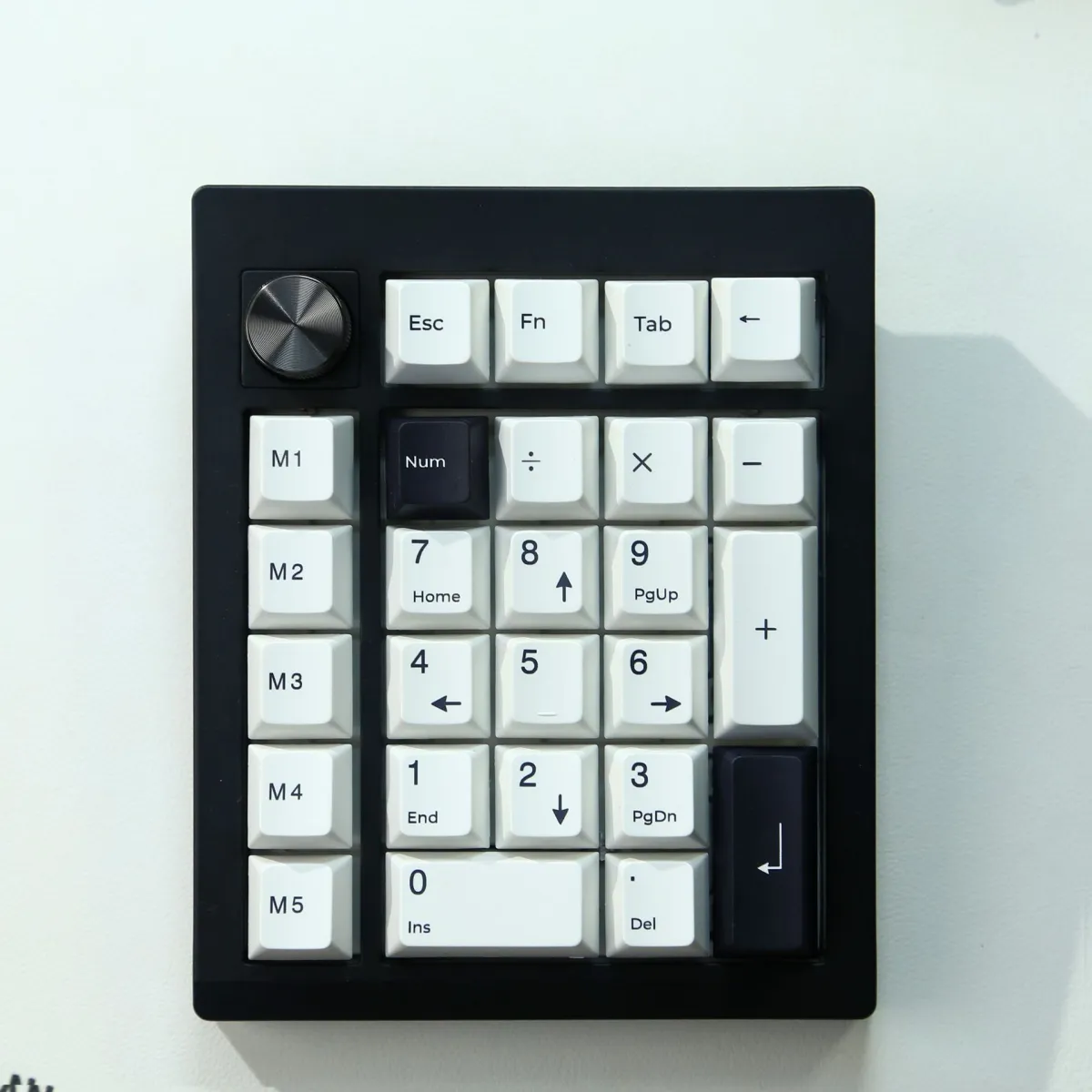
This is a compact Bluetooth numeric keypad with a rotary knob at the top left, five macro keys labeled M1 to M5, and a full number pad with arithmetic keys, Num, decimal and a black Enter key. The knob and macro column set it apart from plain numpads, which usually offer only digits and a few shortcuts. Backlighting around the keys helps in dim rooms. It suits laptop users who miss a number pad, spreadsheet and accounting work, and anyone who wants volume or zoom on a dial. Against mainstream numpads it adds a dial and macro keys, but it is a single-purpose input with no display and no wired mode listed.

Best forLaptop users who want a separate number padSpreadsheet, accounting and data-entry workPeople who prefer a dial for volume or zoomUsers who want quick macro keys for shortcuts
Pros
  • Full number pad with arithmetic, Num, decimal and Enter keys
  • Rotary knob for dial-style control
  • Five dedicated M1 to M5 macro keys
  • Backlit keys for low-light use
  • Compact footprint that leaves desk space for the mouse
  • Bluetooth wireless, so no cable across the desk
Cons
  • Bluetooth only; no wired or 2.4 GHz receiver listed
  • No display, so macro assignments are not visible on the device
  • Single keyboard in the box, no cable or receiver
  • Knob and macro software support is not described
  • Compact keys may feel cramped to people used to a full keyboard

About the Wireless Numeric Keypad with Rotary Knob

This is a wireless numeric keypad that connects to a computer over Bluetooth. It has a rotary knob at the top left and a column of five keys labeled M1 through M5 on the left.

The number pad includes arithmetic keys, a Num key, a decimal key, and an Enter key. The square keycaps have a colored backlight visible around them.

Type
Numeric keypad
Connectivity
Wireless (Bluetooth)
Controls
Rotary knob; M1–M5 keys
Keypad
Arithmetic keys, Num, decimal, Enter
Keycaps
Square
Backlight
Colored backlight around the keys
In the box
Keyboard x1

Specifications

Type
Numeric keypad
Connectivity
Wireless (Bluetooth)
Colors
Black, White
In the box
Keyboard x1

Questions and answers

What can the rotary knob control?
The knob is the key extra over a plain numpad. It is typically used for volume, scrolling or zoom, but the product information does not specify which functions it controls or whether they can be reassigned.
Do the M1 to M5 keys need software?
The keypad has five macro keys labeled M1 to M5. The listing does not describe any companion software, so it is unclear whether the keys send fixed shortcuts or can be reprogrammed.
How does it connect to a computer?
It connects wirelessly over Bluetooth. There is no wired mode or USB receiver listed, so your computer needs Bluetooth.
Is it backlit?
Yes. A colored backlight is visible around the keys, which helps when typing in a dark room.
What is in the box?
The keyboard is the only item listed in the box. No cable, receiver or manual is mentioned.
Does it work with a Mac or an iPad?
Bluetooth keypads generally pair with Macs and iPads, but the product information does not confirm compatibility, so check that your device accepts a Bluetooth number pad before buying.
Where is the Wireless Numeric Keypad with Rotary Knob cheapest?
At Deal.ai, for $58.99, as of our latest check.

More in Computer & Office

  • C
    Compact Low-Profile Mechanical Keyboard
    Compact Low-Profile Mechanical Keyboard
  • U
    USB-C Docking Hub with Attached Cable
    USB-C Docking Hub with Attached Cable
  • C
    Cow Pattern Square Keycaps
    Cow Pattern Square Keycaps
  • F
    Frosted Translucent Mechanical Keycap
    Frosted Translucent Mechanical Keycap
  • M
    Mini Wireless Round-Key Keyboard and Mouse Set
    Mini Wireless Round-Key Keyboard and Mouse Set
  • P
    Patterned Custom Keyboard Keycaps
    Patterned Custom Keyboard Keycaps
  • W
    Wired Keyboard Mouse and Headset Bundle
    Wired Keyboard Mouse and Headset Bundle
  • F
    Floral Magnetic Axis Keycaps
    Floral Magnetic Axis Keycaps
All 3028 in Computer & Office →

More numeric keypads

  • 8
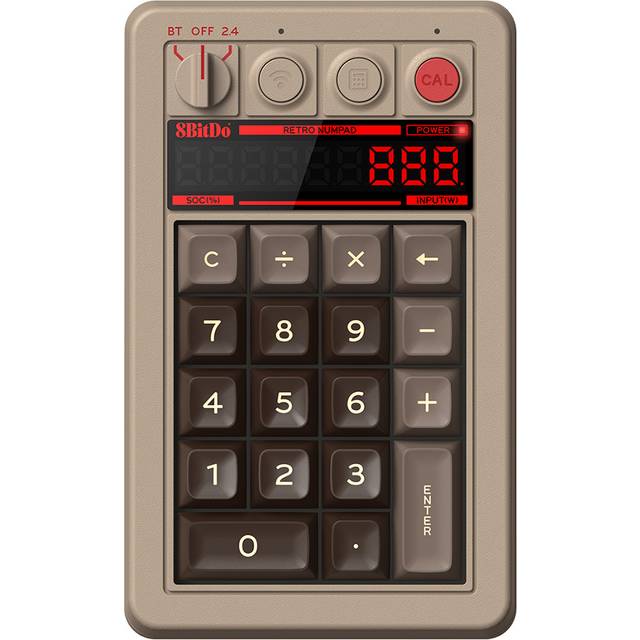
    8BitDo Retro 18 Mechanical Numpad
    8BitDo Retro 18 Mechanical Numpad
  • B
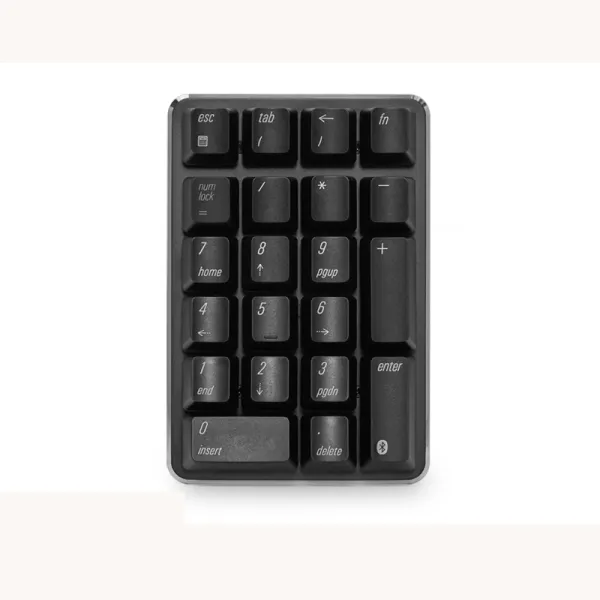
    Bluetooth Wireless Mechanical Numeric Keypad
    Bluetooth Wireless Mechanical Numeric Keypad
  • 1
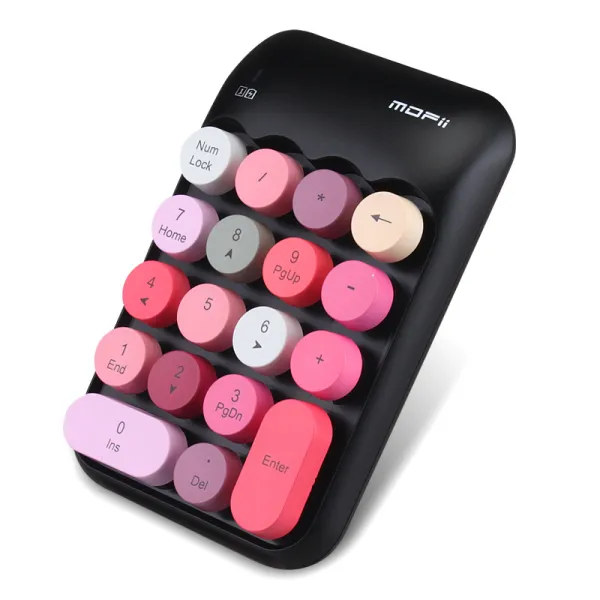
    18-Key Wireless Numeric Keypad
    18-Key Wireless Numeric Keypad