StoreDeal.ai store
Shop
  • Deals
  • Deal checker
  • Black Friday
  • Buying guides
  • Brands
  • Stores
Travel
  • Flight deals
  • Hotel deals
Company
  • Research
  • Press
  • Use in AI assistants
  • Contact
  • deal.ai apps
Black Friday 2026
  • Walmart
  • Best Buy
  • Target
  • TVs
  • Laptops
  • Headphones
  • Apple
  • Gaming
  • Vacuums
  • Kitchen
  • Toys
  • Smartwatches
  • Tablets
  • Furniture
  • Mattresses
© Deal.ai Inc.·2222 Ponce de Leon Blvd, Miami, FL 33134·support@deal.ai
TermsPrivacy
Deal.ai › Compare

Dell UltraSharp U2723QE 27" 4K Monitor vs Samsung Odyssey OLED G8 32" 4K Gaming Monitor

Buy the Dell U2723QE for office work, coding and multi-device setups: its IPS Black panel, USB-C hub with Ethernet and built-in KVM make it a one-cable dock for a laptop. Buy the Samsung Odyssey G8 G81SF for gaming and media: 240Hz, near-instant pixel response and true blacks are things the Dell cannot match. The Dell is the more practical work monitor; the Samsung is the more spectacular screen, with the burn-in care and OLED brightness limits that come with the panel.

  • Choose the Dell UltraSharp U2723QE if you want one cable to a laptop, wired Ethernet and a color-accurate 4K panel for documents, code and photo work.
  • Choose the Samsung Odyssey G8 G81SF if you play fast games or watch a lot of video and want 240Hz motion, deep blacks and HDR contrast.

Prices

  • Dell UltraSharp U2723QE 27" 4K Monitor: $195.48 at eBay (last seen Nov 5)
  • Samsung Odyssey OLED G8 32" 4K Gaming Monitor: $773.10 at Walts TV (checked today)
  • Difference: the Dell UltraSharp U2723QE 27" 4K Monitor is $577.62 cheaper than the Samsung Odyssey OLED G8 32" 4K Gaming Monitor at the latest prices (Nov 5 and Nov 12)
Dell
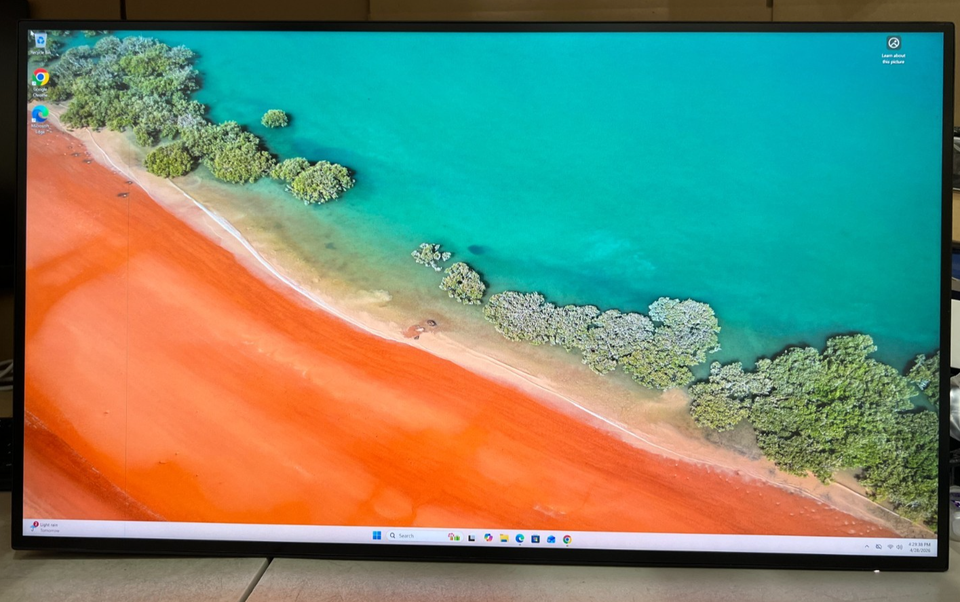
Dell UltraSharp U2723QE 27" 4K USB-C Hub Monitor

Dell UltraSharp U2723QE 27" 4K Monitor

Dell UltraSharp U2723QE 27" 4K USB-C Hub Monitor

4.9(17 ratings)
$195.48at eBayChecked Nov 5
See all prices and details
Visit eBay

Store links may earn us a commission.

Pros
  • USB-C hub with Ethernet and DisplayPort out replaces a dock
  • IPS Black gives deeper blacks and better contrast than standard IPS
  • 163 ppi keeps text sharp at 27 inches
  • Consistent brightness suits bright offices
  • Pivot and height adjustment for portrait work
Cons
  • 60Hz limits fast-motion gaming
  • 5ms GtG is slow next to OLED
  • No HDR beyond basic certification
  • Black levels still short of OLED
Samsung
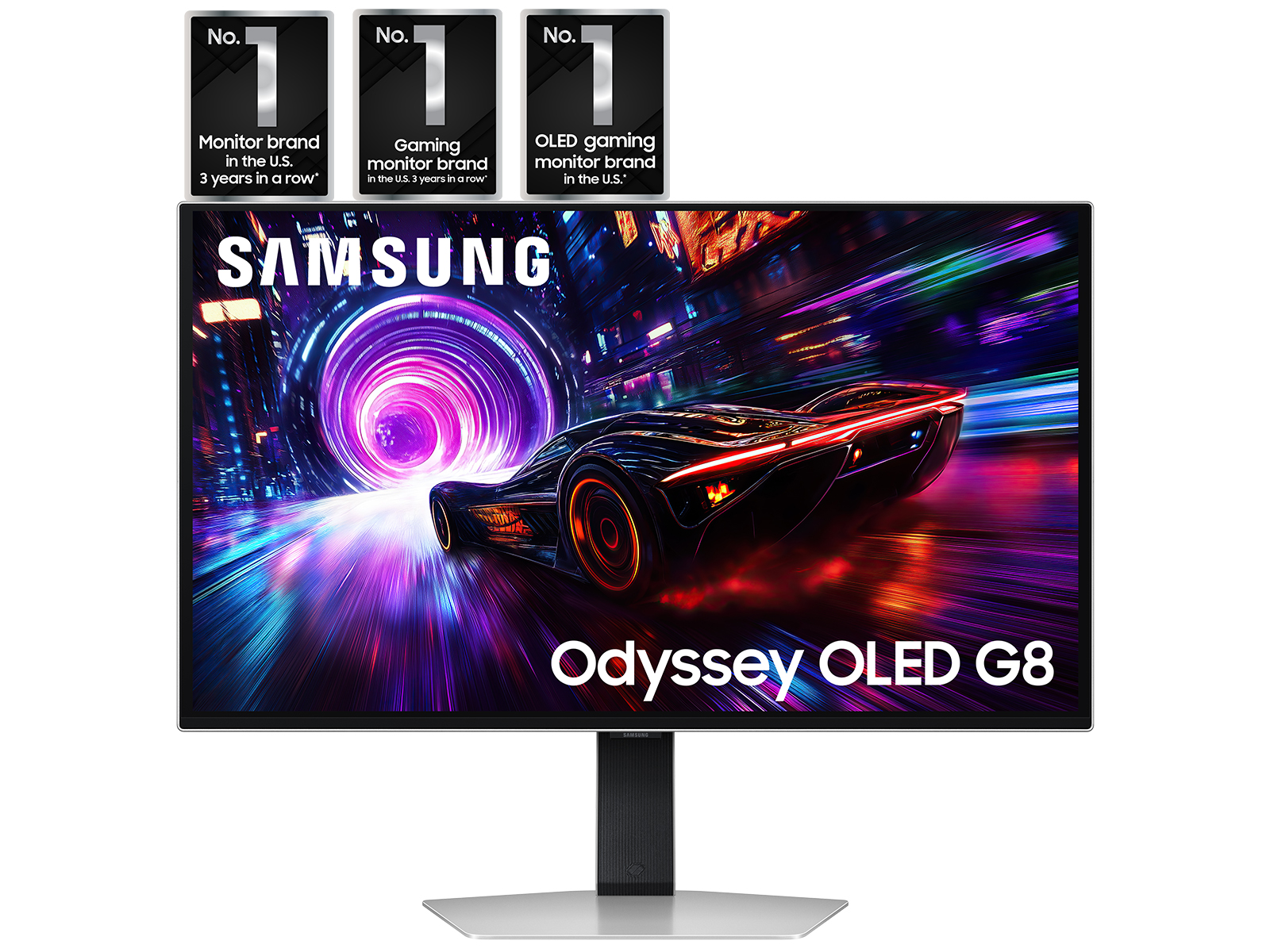
Samsung 32" Odyssey QD-OLED G8 G81SF 4K 240Hz Gaming Monitor

Samsung Odyssey OLED G8 32" 4K Gaming Monitor

Samsung 32" Odyssey QD-OLED G8 G81SF 4K 240Hz Gaming Monitor

4.7(196 ratings)
$773.10at Walts TVChecked 2 h ago
See all prices and details
Visit Walts TV
Pros
  • 240Hz with 0.03ms response for very smooth motion
  • QD-OLED blacks and contrast, DisplayHDR True Black 400
  • Glare Free coating cuts reflections
  • FreeSync Premium Pro and G-Sync Compatible
  • Burn-in safeguards: cooling system, logo and taskbar detection
Cons
  • OLED burn-in risk with static desktop elements
  • Full-screen brightness lower than the Dell in a bright room
  • No Ethernet or USB-C docking
  • 32 inches at 4K means lower pixel density than the Dell

What separates them

Dell UltraSharp U2723QE 27" 4K MonitorSamsung Odyssey OLED G8 32" 4K Gaming Monitor
PanelIPS Black LCD, 400 cd/m², 1.07 billion colorsQD-OLED, per-pixel dimming, DisplayHDR True Black 400
Refresh rate and motion60Hz, 5ms GtG in Fast mode240Hz, 0.03ms GtG
Screen size and density27 inches at 163 ppi32 inches, lower pixel density
Connectivity and dockingUSB-C with power delivery, Ethernet, DisplayPort in and out, 5 USB downstreamHDMI and DisplayPort, USB hub, no Ethernet
Burn-in riskNone for static contentOLED; mitigated by cooling, logo and taskbar detection
Brightness in a lit roomSteady 400 cd/m² across the screenFull-screen brightness lower on OLED; small highlights brighter
Stand and ergonomicsTilt, swivel, height and pivot, plus VESAErgonomic stand with tilt, swivel, height and pivot, VESA
Best useOffice, coding, photo and video editing, laptop dockingGaming, HDR video, dark-room entertainment

Price history

$773.10$195.48
Nov 5Nov 13
  • Dell UltraSharp U2723QE 27" 4K Monitor: lowest $195.48 on Nov 5 at eBay; $445.00 on Nov 13.
  • Samsung Odyssey OLED G8 32" 4K Gaming Monitor: lowest $773.10 on Nov 12 at Walts TV.

Prices at every store

Dell UltraSharp U2723QE 27" 4K Monitor

  • eBayNew

    Availability unknown

    $195.48Checked Nov 5
    Visit eBay
  • Micro CenterNew

    Availability unknown

    $364.46Checked Nov 9
    Visit Micro Center
  • Micro CenterNew

    Availability unknown

    $364.46Checked Nov 5
    Visit Micro Center
  • Focus CameraNew

    Availability unknown

    $549.99Checked Nov 9
    Visit Focus Camera

Store links may earn us a commission.

All 20 stores and price history →

Samsung Odyssey OLED G8 32" 4K Gaming Monitor

  • Walts TVNew

    In stock

    $773.10Checked 2 h ago
    Visit Walts TV
  • WalmartNew

    In stockSold by Walts TVReturns: Sold by a Walmart Marketplace seller; returns go to the seller under the seller's returns policy.

    $859.00Free shippingChecked 1 h ago
    Visit Walmart
  • Macy'sNew

    In stock

    $859.00Free shippingChecked 22 h ago
    Visit Macy's
  • Micro CenterNew

    Availability unknown

    $971.97Checked 22 h ago
    Visit Micro Center
All 15 stores and price history →

Specs compared

SpecDell UltraSharp U2723QE 27" 4K MonitorSamsung Odyssey OLED G8 32" 4K Gaming Monitor
Resolution3840 x 21603840x2160 (4K)
HD Format4K4K
Response Time8 ms0 milliseconds
Connector TypeHDMI, USB-CHDMI, DisplayPort
Display TypeLED-backlit LCD monitorOLED
Maximum Refresh Rate60 Hz240 Hz
Panel TypeIPS, IPS Black, IPS Black TechnologyOLED
VGA PortsNoNo
VESA-MountYesYes
ColorBlackSilver
VGANoNo
DVI PortsNoNo
Show all 40 specsShow fewer specs
SpecDell UltraSharp U2723QE 27" 4K MonitorSamsung Odyssey OLED G8 32" 4K Gaming Monitor
EPEAT RatingGoldNo
Camera (built-in)NoNo
HDRYesYes
USBYesYes
Screen Size (")27.032.0
sizeN/A27 in, 32 in
Horizontal Resolution3840—
Vertical Resolution2160—
GTG Response Time5 ms (Fast)—
Max Brightness

What reviewers say

Dell UltraSharp U2723QE 27" 4K Monitor

  • 4.9 / 517 ratings

Buyers rate it 4.9 out of 5 and mostly praise the color accuracy, the one-cable USB-C hub and the value against pricier 4K monitors. Complaints center on the 400-nit brightness ceiling and a stand that wobbles.

What people mention
  • Color accuracyPraisedOwners say colors are accurate across aRGB, Rec-709 and DCI-P3, which suits photo and video work.
  • USB-C hubPraisedA single cable switches between two computers and shares a keyboard and mouse.
  • BrightnessCriticisedThe 400-nit maximum can be an issue in well-lit rooms.
  • StandCriticisedThe included stand is described as a bit wobbly for the width of the monitor.

Samsung Odyssey OLED G8 32" 4K Gaming Monitor

  • 4.7 / 5196 ratings

Owners rate it 4.7 out of 5 and mostly praise the OLED picture, 4K sharpness and 240Hz smoothness. Criticism centers on brightness in bright rooms and on OLED care concerns.

What people mention
  • Picture qualityPraisedOwners describe deep blacks, strong contrast and vivid QD-OLED color.
  • Motion and refreshPraisedThe 240Hz refresh and 0.03ms response are called smooth and responsive for fast games.
  • BrightnessCriticisedSome say the panel is dimmer than expected in bright rooms.
  • Burn-in careMixed
Reviews
  • The Best 4K Monitors for 2026
  • The Best 4K Monitors for 2026 - PCMag editors select and review products independently

Questions and answers

Which is better for office work and coding?
The Dell. Its 27-inch 4K panel is sharper for text, brightness stays even in a lit room, and there is no burn-in worry from toolbars and menus. The USB-C hub and Ethernet also cut cable clutter.
Which is better for gaming?
The Samsung. 240Hz and 0.03ms response make motion far clearer than the Dell's 60Hz, and OLED contrast helps in dark scenes. The Dell is fine for casual play but not for fast competitive games.
Will the Samsung get burn-in?
QD-OLED can retain static images over long periods. Samsung reduces the risk with a cooling system, thermal brightness control and logo and taskbar detection, but a desktop with fixed windows is still the harder use case. The Dell has no such risk.
Is the Dell bright enough next to a window?
Yes. It holds 400 cd/m² across the whole screen, which suits a bright office. The Samsung's small highlights can be brighter, but full-screen brightness is lower, so it does best in a dimmer room.
Do I need a separate dock with either?
Not with the Dell: USB-C, Ethernet and DisplayPort out handle a laptop, monitor and network over one cable. The Samsung has USB ports but no Ethernet, so a laptop setup usually needs a separate dock.
Is the Samsung worth stepping up to over the Dell?
Only if gaming or HDR video is a main use. For documents, spreadsheets and photo editing, the Dell's sharpness, docking and burn-in-free panel are the better fit.

Ask our shopping agent

It checks today's price at every store, compares the alternatives and answers in about a minute.

Enter to send, Shift+Enter for a new line

More comparisons

  • Dell UltraSharp U2723QE 27" 4K USB-C Hub Monitor vs ASUS ProArt Display PA279CRV 27" 4K Monitor
  • BenQ PD3200U 32" 4K UHD Color Display Monitor vs Samsung 32" Odyssey QD-OLED G8 G81SF 4K 240Hz Gaming Monitor
  • Dell UltraSharp U2723QE 27" 4K USB-C Hub Monitor vs Benq GW2790TC 27 Eye-Care Home Office Monitor
  • Dell UltraSharp U2723QE 27" 4K USB-C Hub Monitor vs BenQ PD3200U 32" 4K UHD Color Display Monitor
  • Samsung ViewFinity S8 27" 4K Monitor vs Dell UltraSharp U2723QE 27" 4K USB-C Hub Monitor
  • Dell UltraSharp U2723QE 27" 4K USB-C Hub Monitor vs Samsung M8 4K ultra wide monitor
  • Dell UltraSharp U2723QE 27" 4K USB-C Hub Monitor vs Dell UltraSharp 32 4K Thunderbolt Hub Monitor (U3225QE)
  • Dell UltraSharp U2723QE 27" 4K USB-C Hub Monitor vs Asus ROG Swift PG27UCDM

Buying guides that pick them

  • Best monitors for work
  • Best 4K monitors
400 cd/m²
—
Sync TechnologyAdaptive Sync—
Number Of HDMI Ports1—
Number Of USB Ports4 (USB 3.2 Gen 2 downstream)—
HDCP CompatibleYes (HDCP 2.2)—
Network ConnectivityEthernet—
Aspect Ratio16:9—
Backlight TechnologyLED backlight—
Display HighlightsIPS Black technology—
Display Viewing Angle178°/178°—
Horizontal Viewing Angle178°—
Vertical Viewing Angle178°—
Color Support1.07 billion colors—
Pixel Density163.18 ppi—
Weight With Stand (lb)14.6—
3.5 mm In (AUX)No—
HDMI Ports1—
No. of USB (total) (pcs)6—
Depth Without Stand (")2.1—
Buyers mention the safeguards but still worry about static logos and taskbars.