Shop
  • Deals
  • Deal checker
  • Black Friday
  • Buying guides
  • Brands
  • Stores
Travel
  • Flight deals
  • Hotel deals
Company
  • Research
  • Press
  • deal.ai apps
Black Friday 2026
  • Walmart
  • Best Buy
  • Target
  • TVs
  • Laptops
  • Headphones
  • Apple
  • Gaming
  • Vacuums
  • Kitchen
  • Toys
  • Smartwatches
  • Tablets
  • Furniture
  • Mattresses
© Deal.ai Inc.
TermsPrivacy
Deal.ai › Compare

Dell UltraSharp U2723QE 27" 4K Monitor vs Dell UltraSharp 32 4K Thunderbolt Hub Monitor

The U3225QE is the stronger monitor: a 31.5-inch IPS Black panel at 120Hz, 3000:1 contrast, 450 nits (600 peak), Thunderbolt 4 with 140W power delivery and 2.5GbE Ethernet. The U2723QE is the smaller, simpler pick at 27 inches and 60Hz, with 2000:1 contrast, 400 nits and a USB-C hub that owners say switches two computers with one cable. Reviewers praise both for color accuracy and easy setup; the U2723QE's stand is called wobbly and its 400 nits dim in bright rooms, while the U3225QE is heavier and a bigger desk commitment.

  • Choose the Dell UltraSharp U2723QE if you want a 27-inch 4K screen for photo, document and office work and a USB-C hub that shares a keyboard and mouse between two computers.
  • Choose the Dell UltraSharp U3225QE if you want a larger 32-inch panel with 120Hz motion, higher brightness and contrast, and Thunderbolt 4 with 140W charging plus 2.5GbE networking.

Prices

  • Dell UltraSharp U2723QE 27" 4K Monitor: $195.48 at eBay (last seen Nov 5)
  • Dell UltraSharp 32 4K Thunderbolt Hub Monitor: $789.00 at Amazon (last seen Nov 8)
  • Difference: the Dell UltraSharp U2723QE 27" 4K Monitor is $593.52 cheaper than the Dell UltraSharp 32 4K Thunderbolt Hub Monitor at the latest prices (Nov 5 and Nov 8)
Dell
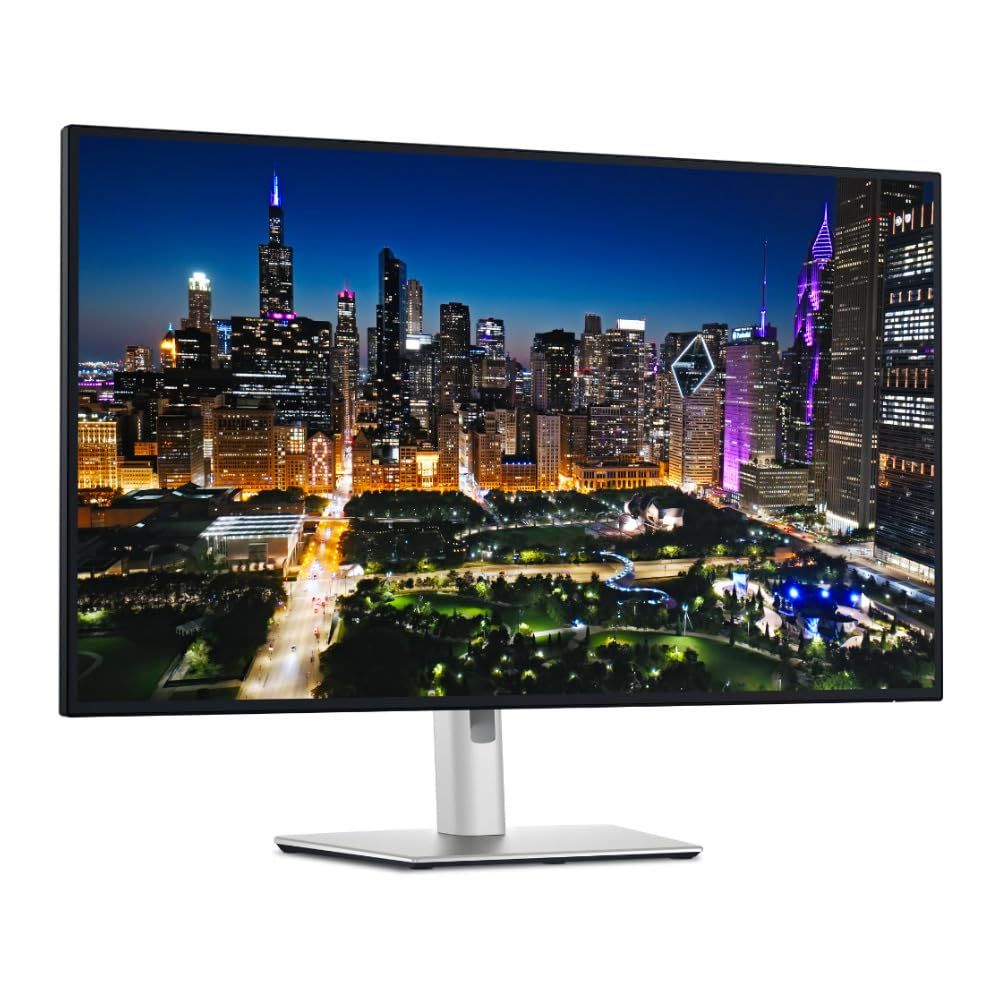
Dell UltraSharp U2723QE 27" 4K USB-C Hub Monitor

Dell UltraSharp U2723QE 27" 4K Monitor

Dell UltraSharp U2723QE 27" 4K USB-C Hub Monitor

4.9(17 ratings)
$195.48at eBayObserved Nov 5, 2026, 4:45 PM
See all prices and details
Visit eBay

Store links may earn us a commission.

Pros
  • 27-inch 4K IPS Black panel with 163 ppi for sharp text
  • USB-C hub switches two computers with one cable and shares peripherals
  • Owners report excellent color accuracy and a two-minute setup
  • Lighter and easier to reposition than the 32-inch model
Cons
  • 60Hz only, so motion is less smooth
  • 400 nits can look dim in a bright room
  • Included stand is described as wobbly for the panel width
Dell
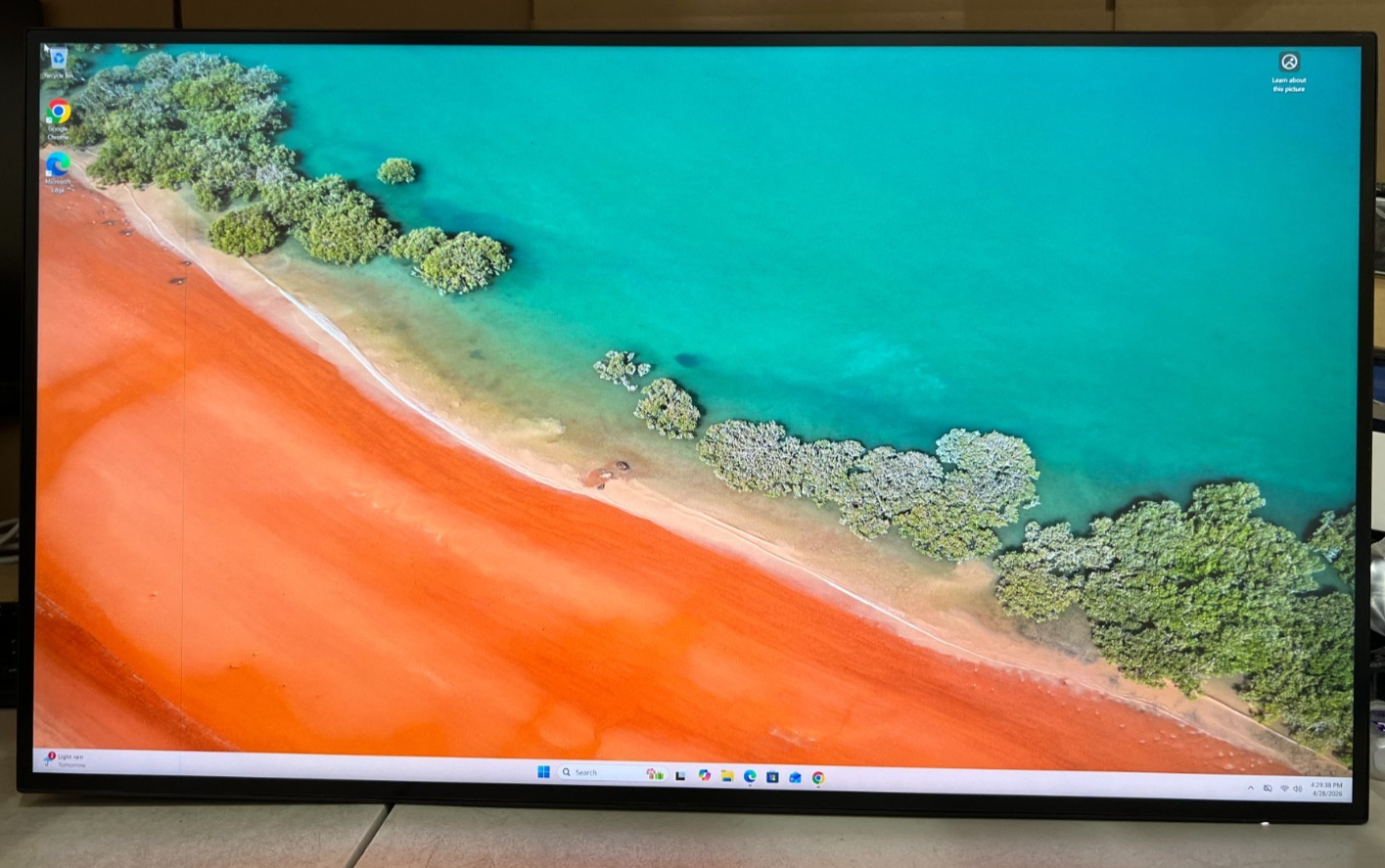
Dell UltraSharp 32 4K Thunderbolt Hub Monitor (U3225QE)

Dell UltraSharp 32 4K Thunderbolt Hub Monitor

Dell UltraSharp 32 4K Thunderbolt Hub Monitor (U3225QE)

5(1 rating)
$789.00at AmazonObserved at 11:41 PM
See all prices and details
Visit Amazon

As an Amazon Associate, Deal.ai earns from qualifying purchases.

Pros
  • 120Hz refresh rate makes scrolling and motion noticeably smoother
  • 3000:1 contrast and up to 600 nits handle bright rooms better
  • Thunderbolt 4 with 140W charging powers a laptop over one cable
  • 2.5GbE Ethernet and 99% DCI-P3 coverage suit pro workflows
Cons
  • Heavy at 9.34 kg and takes up more desk space
  • Costs more than the 27-inch model for the same 4K resolution
  • Bigger panel means a deeper viewing distance for some desks

What separates them

Dell UltraSharp U2723QE 27" 4K MonitorDell UltraSharp 32 4K Thunderbolt Hub Monitor
Screen size27 inches31.5 inches
Refresh rate60 Hz120 Hz
Contrast ratio2000:1 IPS Black3000:1 IPS Black
Brightness400 cd/m²450 cd/m² typical, 600 cd/m² peak
Hub and chargingUSB-C hub, 4 USB 3.2 Gen 2 ports, EthernetThunderbolt 4 hub, up to 140W power delivery, 2.5GbE Ethernet
Motion and response5 ms GTG (Fast), Adaptive Sync5 ms GTG (Fast), 120Hz
Stand and footprintOwners call the stand a bit wobbly; lighter and easier to moveHeavier at 9.34 kg, 150 mm height adjustment
Color coverage1.07 billion colors, praised for aRGB, Rec-709 and DCI-P3 accuracy99% DCI-P3 and Display P3, factory calibrated

Price history

  • Dell UltraSharp U2723QE 27" 4K Monitor: lowest $195.48 on Nov 5 at eBay.
  • Dell UltraSharp 32 4K Thunderbolt Hub Monitor: lowest $789.00 on Nov 9 at Amazon.

Prices at every store

Dell UltraSharp U2723QE 27" 4K Monitor

  • eBayNew

    Availability unknown

    $195.48Observed Nov 5, 2026, 4:45 PM
    Visit eBay
  • Micro CenterNew

    Availability unknown

    $364.46Observed Nov 5, 2026, 4:43 PM
    Visit Micro Center
  • Focus CameraNew

    Availability unknown

    $549.99Observed Nov 5, 2026, 4:43 PM
    Visit Focus Camera
  • Aventis SystemsNew

    Availability unknown

    $659.00Observed Nov 5, 2026, 4:43 PM
    Visit Aventis Systems

Store links may earn us a commission.

All 8 stores and price history →

Dell UltraSharp 32 4K Thunderbolt Hub Monitor

  • WalmartNew

    In stockSold by ATHQReturns: Sold by a Walmart Marketplace seller; returns go to the seller under the seller's returns policy.

    $795.69Free shippingObserved at 11:41 PM
    Visit Walmart
  • Lowe'sNew

    In stock

    $959.00Free shippingObserved at 11:41 PM
    Visit Lowe's
  • AmazonNew

    Availability unknown

    As an Amazon Associate, Deal.ai earns from qualifying purchases.

    $789.00Free shippingObserved at 11:41 PM
    Visit Amazon
  • eBayNew

    Availability unknownSold by focuscamera

    $799.99Observed at 11:42 PM
    Visit eBay

Also available at

  • Focus CameraCheck price at Focus Camera

Store links may earn us a commission. Some prices via Klarna.

All 4 stores and price history →

Specs compared

SpecDell UltraSharp U2723QE 27" 4K MonitorDell UltraSharp 32 4K Thunderbolt Hub Monitor
Resolution3840 x 21603840 x 2160
Response Time8 ms5ms GTG (Fast), 8ms GTG
HD Format4K—
Horizontal Resolution3840—
Vertical Resolution2160—
GTG Response Time5 ms (Fast)—
Max Brightness400 cd/m²—
Sync TechnologyAdaptive Sync—
Connector TypeHDMI, USB-C—
Number Of HDMI Ports1—
Number Of USB Ports4 (USB 3.2 Gen 2 downstream)—
HDCP CompatibleYes (HDCP 2.2)—
Show all 37 specsShow fewer specs
SpecDell UltraSharp U2723QE 27" 4K MonitorDell UltraSharp 32 4K Thunderbolt Hub Monitor
Network ConnectivityEthernet—
Display TypeLED-backlit LCD monitor—
Maximum Refresh Rate60 Hz—
Aspect Ratio16:9—
Panel TypeIPS, IPS Black, IPS Black Technology—
Backlight TechnologyLED backlight—
Display HighlightsIPS Black technology—
Display Viewing Angle178°/178°—
Horizontal Viewing Angle178°—

What reviewers say

Dell UltraSharp U2723QE 27" 4K Monitor

  • 4.9 / 517 ratings

Buyers rate it 4.9 out of 5 and mostly praise the color accuracy, the one-cable USB-C hub and the value against pricier 4K monitors. Complaints center on the 400-nit brightness ceiling and a stand that wobbles.

What people mention
  • Color accuracyPraisedOwners say colors are accurate across aRGB, Rec-709 and DCI-P3, which suits photo and video work.
  • USB-C hubPraisedA single cable switches between two computers and shares a keyboard and mouse.
  • BrightnessCriticisedThe 400-nit maximum can be an issue in well-lit rooms.
  • StandCriticisedThe included stand is described as a bit wobbly for the width of the monitor.

Dell UltraSharp 32 4K Thunderbolt Hub Monitor

Owners and reviewers treat the U3225QE as a strong do-everything work monitor. The single-cable Thunderbolt setup and the 120Hz IPS Black panel draw the most praise. Complaints center on weight, the lack of speakers and the price premium over plain 4K screens.

What people mention
  • ContrastPraisedOwners say the IPS Black panel gives deeper blacks and less glow than standard IPS monitors.
  • Refresh ratePraisedReviewers note the 120Hz refresh rate makes scrolling and cursor movement smoother than 60Hz work screens.
  • ConnectivityPraisedUsers like running video, data, Ethernet and charging through one Thunderbolt 4 cable.
  • WeightCriticisedSome owners find the monitor heavy and awkward to lift onto a stand or arm.

Questions and answers

Which is better for photo and video editing?
The U3225QE. It covers 99% DCI-P3 and Display P3, has higher contrast and brightness, and its larger panel shows more of a timeline. The U2723QE is still accurate and sharp at 163 ppi, and owners praise its color.
Is 120Hz worth stepping up to?
Yes if you scroll long documents, edit video or game. The U2723QE is 60Hz, which is fine for static office work but visibly less smooth in motion.
Which has the better USB-C hub?
The U3225QE. It uses Thunderbolt 4 with up to 140W power delivery and 2.5GbE Ethernet. The U2723QE's USB-C hub is simpler but owners like its one-cable switching between two computers.
Which is better in a bright room?
The U3225QE, at 450 nits typical and 600 peak against 400 nits. Owners of the U2723QE say brightness tops out low for well-lit rooms.
Which lasts longer?
Neither has a published lifespan edge. The U3225QE has the heavier build and newer Thunderbolt 4 spec; the U2723QE is lighter and easier to move, which some owners prefer.
Do I need a Thunderbolt laptop for the U3225QE?
No. It also takes DisplayPort and HDMI, and the Thunderbolt 4 hub works with USB-C laptops at lower charging rates. You only get the full 140W and 2.5GbE benefits with a compatible machine.

Ask our shopping agent

It checks today's price at every store, compares the alternatives and answers in about a minute.

Enter to send, Shift+Enter for a new line

More comparisons

  • Dell UltraSharp U2723QE 27" 4K USB-C Hub Monitor vs ASUS ProArt Display PA279CRV 27" 4K Monitor
  • Samsung ViewFinity S8 27" 4K Monitor vs Dell UltraSharp U2723QE 27" 4K USB-C Hub Monitor
  • Samsung ViewFinity S8 27" 4K Monitor vs Dell UltraSharp 32 4K Thunderbolt Hub Monitor (U3225QE)
  • ASUS ProArt Display PA279CRV 27" 4K Monitor vs Dell UltraSharp 32 4K Thunderbolt Hub Monitor (U3225QE)

Buying guides that pick them

  • Best 4K monitors
Vertical Viewing Angle
178°
—
Color Support1.07 billion colors—
Pixel Density163.18 ppi—
Screen size—31.5"
Refresh rate—120Hz
Panel technology—IPS Black
Contrast ratio—3,000:1
Brightness—450 cd/m2, 600 cd/m2
USB-C power delivery—Up to 140W EPR
Ethernet port—RJ45 Ethernet port, 2.5GbE
Weight—9.34 kg
Maximum adjustable height—150 mm
Refresh Rate (Hz)—120
USB Type—USB-C
DisplayPort—Yes
HDMI—Yes