StoreDeal.ai store
Shop
  • Deals
  • Deal checker
  • Black Friday
  • Buying guides
  • Brands
  • Stores
Travel
  • Flight deals
  • Hotel deals
Company
  • Research
  • Press
  • Use in AI assistants
  • Contact
  • deal.ai apps
Black Friday 2026
  • Walmart
  • Best Buy
  • Target
  • TVs
  • Laptops
  • Headphones
  • Apple
  • Gaming
  • Vacuums
  • Kitchen
  • Toys
  • Smartwatches
  • Tablets
  • Furniture
  • Mattresses
© Deal.ai Inc.·2222 Ponce de Leon Blvd, Miami, FL 33134·support@deal.ai
TermsPrivacy
Deal.ai › Compare

Lenovo Chromebook Plus 14 vs Asus Chromebook Plus CX34

The Lenovo Chromebook Plus 14 is the better machine for most people: an OLED touchscreen, a 60Wh battery rated up to 17 hours, Wi-Fi 7, a fingerprint reader and a 5MP camera with shutter beat the Asus on nearly every spec that matters. The Asus Chromebook Plus CX34 is the simpler, sturdier-feeling plastic build with a standard FHD panel and a 50Wh battery rated around 10 hours, and it caps memory at 8GB. Owners of the Lenovo praise the screen and battery life; the Asus is the pick only if you want a plain, no-frills Chromebook Plus and don't care about the display.

  • Choose the Lenovo Chromebook Plus 14 if you want the OLED touchscreen, longer battery life and faster wireless, and you'll use it for photo editing, streaming or all-day work away from an outlet.
  • Choose the Asus Chromebook Plus CX34 if you want a straightforward 14-inch Chromebook Plus for browsing, docs and video calls and don't need an OLED panel or a fingerprint reader.

Prices

  • Lenovo Chromebook Plus 14: $405.30 at CTT Home & Culinary (last seen Nov 2)
  • Asus Chromebook Plus CX34: $57.00 at vipoutlet.com (checked today)
  • Difference: the Asus Chromebook Plus CX34 is $348.30 cheaper than the Lenovo Chromebook Plus 14 at the latest prices (Nov 2 and Nov 11)
Lenovo
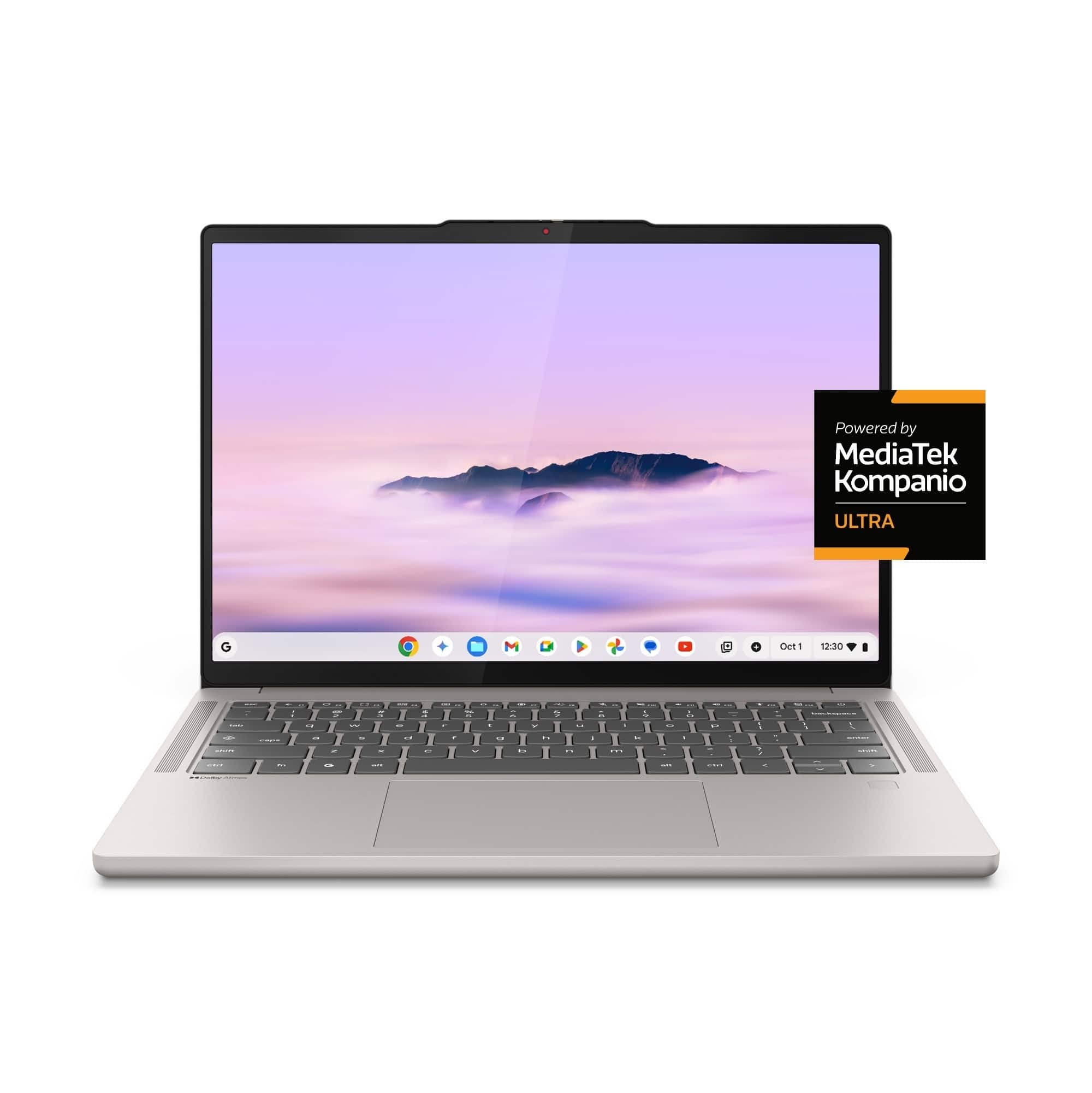
Lenovo Chromebook Plus 14

Lenovo Chromebook Plus 14

4.6(170 ratings)
$405.30at CTT Home & CulinaryChecked Nov 2
See all prices and details
Visit CTT Home & Culinary
Pros
  • OLED touchscreen with full DCI-P3 coverage
  • Up to 17 hours of battery life with fast USB-C charging
  • Wi-Fi 7, Bluetooth 5.4 and a fingerprint reader
  • Light at around 1.17kg with a 5MP shutter camera
  • Bundled 12-month Google AI Pro plan
Cons
  • 128GB UFS storage is modest and not upgradable
  • Glossy OLED shows reflections in bright rooms
  • Soldered memory, so 12GB is the ceiling
  • ChromeOS limits full desktop app support
Asus
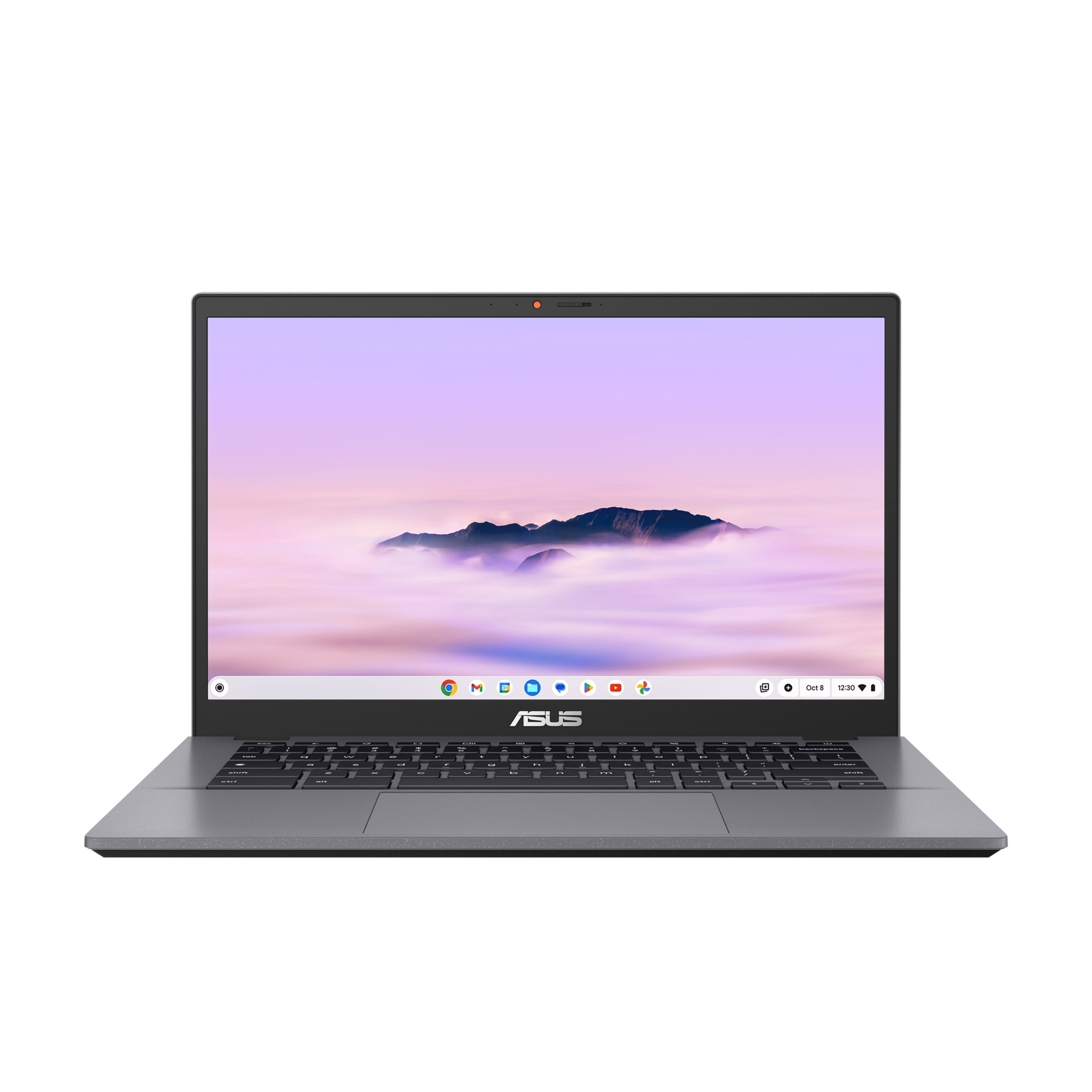
Asus Chromebook Plus CX34 (2025)

Asus Chromebook Plus CX34

Asus Chromebook Plus CX34 (2025)

$57.00at vipoutlet.comChecked 1 h ago
See all prices and details
Visit vipoutlet.com
Pros
  • Simple, durable plastic build
  • Standard FHD panel is fine for documents and browsing
  • Includes USB-A ports alongside USB-C and HDMI
  • Runs the same Chromebook Plus software features
Cons
  • 8GB memory ceiling with no upgrade path
  • Rated around 10 hours of battery, well short of the Lenovo
  • Non-touch LED screen with narrower color coverage
  • No fingerprint reader and a basic webcam

What separates them

Lenovo Chromebook Plus 14Asus Chromebook Plus CX34
Display14-inch WUXGA OLED, 400 nits, 100% DCI-P3, glossy, touchscreen14-inch FHD LED, 1920x1080, non-touch
Battery60Wh, rated up to 17 hours, 65W USB-C charging50Wh, rated around 10 hours
Memory12GB LPDDR5X-8533 soldered8GB, maximum 8GB
WirelessWi-Fi 7 (802.11be) 2x2 with Bluetooth 5.4Wi-Fi 6-class wireless
Build and weightAround 1.17-1.26kg, slim 15.8mm, gray or bluePlastic chassis, 3.22 lb (about 1.46kg)
Security and cameraFingerprint reader, 5MP camera with privacy shutterNo fingerprint reader, standard webcam
AudioQuad Dolby Atmos speakersStandard stereo speakers
PortsUSB-C and HDMIUSB-C, USB-A and HDMI

Price history

$999.00$57.00
Oct 31Nov 12
  • Lenovo Chromebook Plus 14: lowest $289.00 on Nov 11 at Amazon.
  • Asus Chromebook Plus CX34: lowest $57.00 on Nov 12 at vipoutlet.com.

Prices at every store

Lenovo Chromebook Plus 14

  • lenovo.comNew

    In stock

    $529.99Checked 7 h ago
    Visit lenovo.com
  • Newegg.comNew

    In stockSold by Lenovo

    $529.99Free shippingChecked 7 h ago
    Visit Newegg.com
  • CTT Home & CulinaryNew

    Availability unknown

    $405.30Checked Nov 2
    Visit CTT Home & Culinary
  • Newegg.comNew

    Availability unknown

    $514.49Checked Nov 2
    Visit Newegg.com
All 28 stores and price history →

Asus Chromebook Plus CX34

  • vipoutlet.comNew

    Availability unknown

    $57.00Checked 1 h ago
    Visit vipoutlet.com
  • IconicNew

    Availability unknown

    $189.99Checked 1 h ago
    Visit Iconic
  • WalmartNew

    Availability unknown

    $240.98Checked 1 h ago
    Visit Walmart
  • AmazonNew

    Availability unknown

    As an Amazon Associate, Deal.ai earns from qualifying purchases.

    $474.00Free shippingChecked 1 h ago
    Visit Amazon

Store links may earn us a commission.

All 10 stores and price history →

Specs compared

SpecLenovo Chromebook Plus 14Asus Chromebook Plus CX34
Display14" WUXGA (1920x1200) OLED 400nits Glossy, 100%…LED
WeightAround 1.17 kg (2.58 lbs)3.22 lb
Resolution1920 x 1200FHD (1920 x 1080)
Processor BrandIntel CPUIntel
ColorGray, BlueGray
Battery Life17 hours battery life10 h
Refresh Rate60Hz60 Hz
Screen Size14 inches14 in
BrandLenovoASUS
Memory12GB Soldered LPDDR5X-8533—
Storage128GB UFS 3.1—
Battery60Wh—
Show all 40 specsShow fewer specs
SpecLenovo Chromebook Plus 14Asus Chromebook Plus CX34
Power Adapter65W USB-C Slim (2-pin, Wall-mount)—
Camera5.0MP with Privacy Shutter—
WLAN + BluetoothMediaTek Wi-Fi 7 MT7925, 802.11be 2x2 + BT5.4—
Operating SystemChromeOS—
TouchscreenYes—
Drive TypeSolid State Drive—
Number Of CoresOcta Core—
LanguageEnglish / North America—
Available PortsUSB-C, HDMI—
Drive Capacity

What reviewers say

Lenovo Chromebook Plus 14

  • 4.6 / 5170 ratings

Reviewers rate the Lenovo Chromebook Plus 14 highly, at 4.6 out of 5 from 170 ratings. They praise its light build, OLED display, speed, keyboard and battery life. The main complaints are the ChromeOS learning curve and the usual limits of a Chromebook.

What people mention
  • DesignPraisedOwners call it ultraportable and easy to carry at about 1.17 kg.
  • DisplayPraisedThe OLED panel is described as gorgeous, with strong color coverage.
  • PerformancePraisedReviewers find it snappy for everyday ChromeOS work.
  • KeyboardPraisedThe backlit keyboard gets consistent praise.

Asus Chromebook Plus CX34

Owners of the CX34 line generally like the light build, the bright 1080p screen and the backlit keyboard for the price. Complaints center on the plastic feel, modest storage and fan noise under load.

What people mention
  • BuildMixedOwners call the plastic chassis light but less solid than metal laptops.
  • DisplayPraisedThe 1080p panel is described as sharp and bright enough for indoor use.
  • StorageCriticised128 GB is seen as tight once apps and offline files are added.
  • BatteryMixedThe rated 10 hours holds up for light browsing but drops with video and many tabs.
Reviews
  • The best laptops of 2026: Expert tested and reviewed - ZDNET
  • The best laptops of 2026: Expert tested and reviewed - ZDNET - Who should look elsewhere: Anyone looking for an ultraportable, as this 16-in
  • Search | Product Finder - Product Finder
  • I test laptops all-year — these are the best you can buy in 2026 - The Dell XPS 13 (2026) is the rare budget Windows laptop that actually de
  • The Best Laptops Under $500 for 2026
  • The Best Cheap Laptops for 2026 - PCMag editors select and review products independently

Questions and answers

Which is better for photo editing and streaming?
The Lenovo. Its OLED panel covers 100% DCI-P3 and is brighter at 400 nits, and the quad Dolby Atmos speakers are a clear step up from the Asus's standard stereo setup.
Which lasts longer on a charge?
The Lenovo, rated up to 17 hours from a 60Wh battery versus roughly 10 hours from the Asus's 50Wh pack. Real-world results depend on brightness and workload, but the gap is large.
Is the Lenovo worth stepping up to over the Asus?
Yes if screen quality, battery life and wireless speed matter to you. The Asus makes sense if you mainly write documents and browse and want a plain plastic build.
Does either have a touchscreen?
Only the Lenovo. The Asus CX34 uses a non-touch FHD LED panel.
Can I add more memory later?
No. Both use soldered memory, and the Asus caps at 8GB while the Lenovo offers 12GB.
Which has better ports?
The Asus adds USB-A ports, which helps with older accessories. The Lenovo covers USB-C and HDMI, which is enough for most modern setups.

Ask our shopping agent

It checks today's price at every store, compares the alternatives and answers in about a minute.

Enter to send, Shift+Enter for a new line

More comparisons

  • Lenovo Chromebook Plus 14 vs Acer Chromebook Plus 516
  • Lenovo Chromebook Plus 14 vs Acer Chromebook Plus Spin 514
  • Dell XPS 14 vs Lenovo Chromebook Plus 14
  • Lenovo Chromebook Plus 14 vs HP OmniBook 5 16 inch Touch Windows 11 Laptop Intel Core Ultra 7 AI PC 16GB RAM 1TB SSD Silver
  • Lenovo Chromebook Plus 14 vs Lenovo Chromebook Duet 11 (Gen 9)
  • Acer Chromebook Plus 514 vs Asus Chromebook Plus CX34 (2025)
  • Lenovo Chromebook Plus 14 vs Acer Chromebook Plus 514
  • Lenovo Chromebook Plus 14 vs Dell XPS 13 (DX13260)

Buying guides that pick them

  • Best laptops for everyday use
  • Best Chromebooks
  • Best Chromebooks for everyday use
  • Best all-around laptops for everyday use
  • Best Chromebooks with 8GB RAM and 128GB storage
128 GB drive
—
Installed Memory8 GB RAM—
With Backlit KeyboardYes—
Biometric SecurityFingerprint Scan—
Energy StarYes—
EPEAT-RegisteredYes—
Processor Speed3.6 GHz CPU—
Screen Resolution1920 x 1200 (WUXGA)—
Touch Screentrue—
Brightness400 nits—
Processor ModelMediaTek Kompanio Ultra Series—
Storage TypeUFS—
Total Storage Capacity256 gigabytes—
System Memory (RAM)16 gigabytes—
GraphicsARM Immortalis-G925'—
Display Connector(s)Display connection via USB port—
Battery Life (up to)17 hours—
Battery ChemistryLithium-polymer—
2-in-1 Designfalse—
  • Best laptops
  • Best Black Friday laptop deals
  • Best value Chromebooks with 8GB RAM