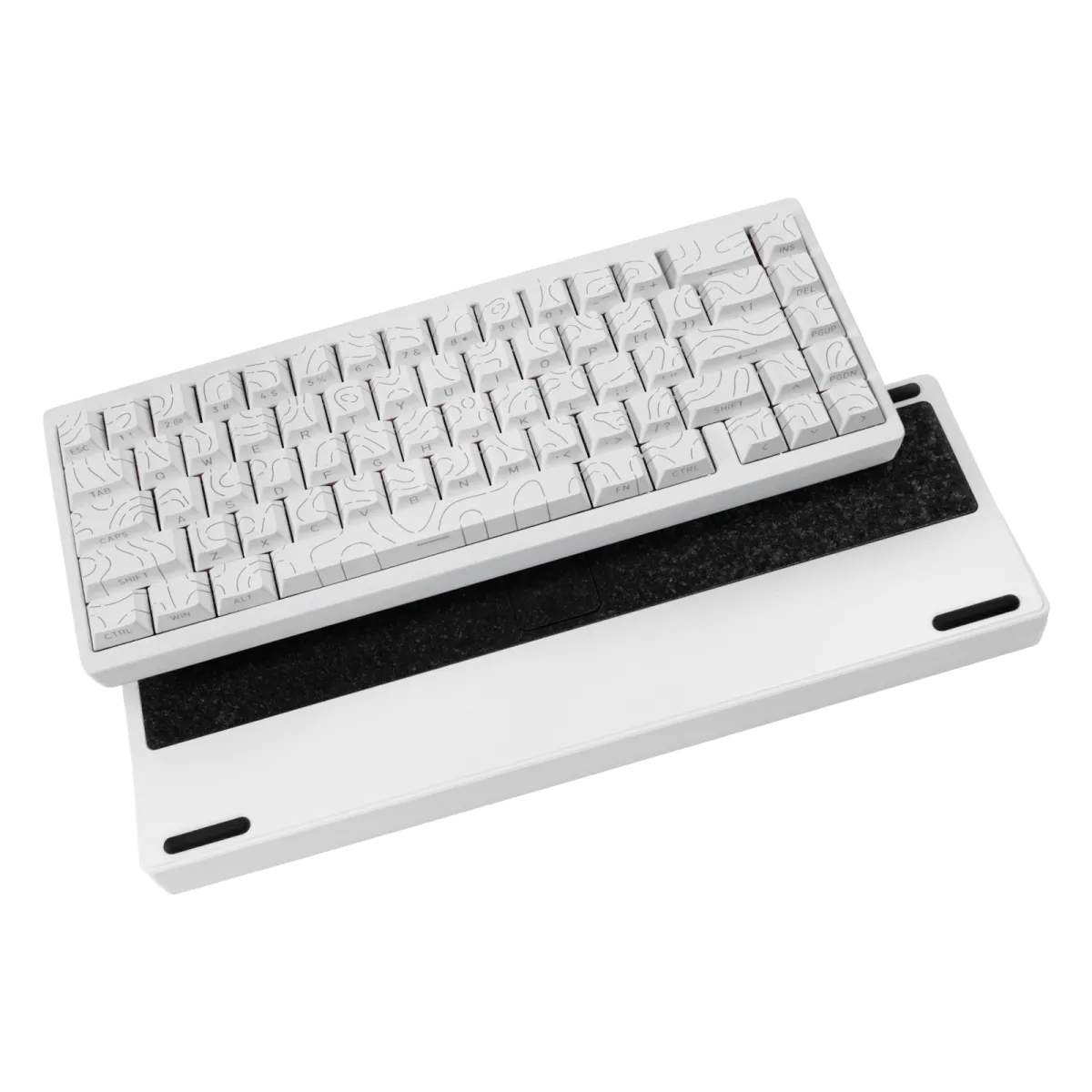
- What does tri-mode mean on this keyboard?
- It connects three ways: Bluetooth, a 2.4 GHz USB receiver and a USB-C cable. You switch between paired devices without re-pairing each time.
- Is a 65% layout hard to get used to?
- Most people adjust within a few days. You keep arrows and a navigation column, but the function row and numpad move to layers, so shortcuts take a little practice.
- Does it work with a tablet?
- Yes. Bluetooth pairing works with tablets and phones, and the 2.4 GHz receiver works with anything that accepts a USB keyboard.
- Is the aluminum case worth it over a plastic one?
- It adds weight and stiffness and cuts the hollow sound cheaper boards have. The trade-off is that it is heavier to carry around.
- Can I use it wired while it charges?
- Yes. Plugging in the USB-C cable runs it as a wired keyboard and charges the battery at the same time.
- Can I change the switches or keycaps?
- Keycaps are the easy swap on most boards of this type. Switch swapping depends on whether the board is hot-swappable, so check that before buying if it matters to you.
- Where is the Aluminum 65-Key Tri-Mode Mechanical Keyboard cheapest?
- At Deal.ai, for $101.99, as of our latest check.