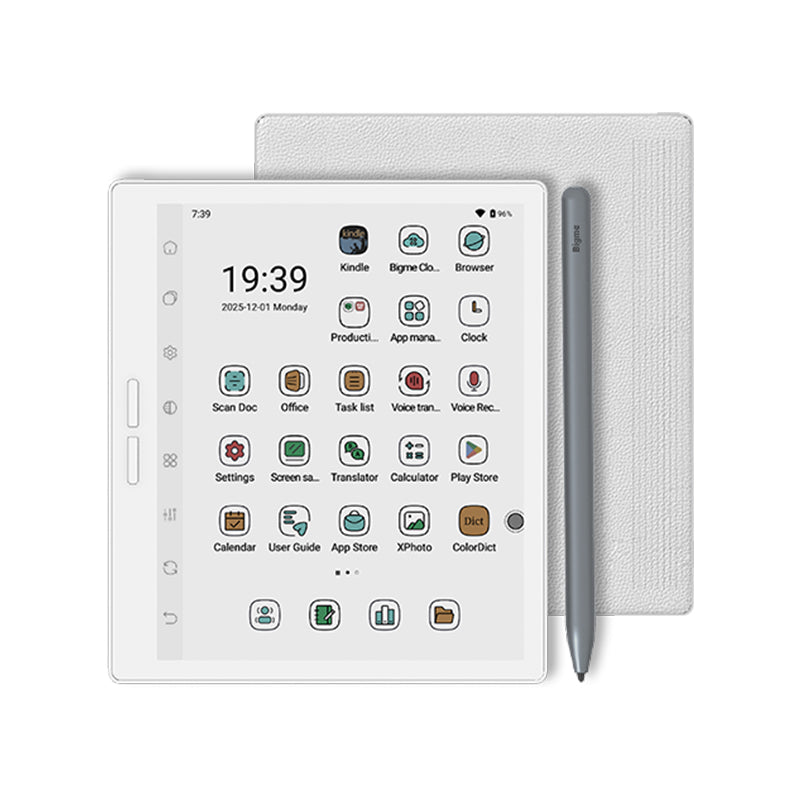
The Kindle Scribe is an e-reader and digital notebook with an 11-inch glare-free display and a front light. The textured, paper-like surface is meant for both reading and handwriting. It is built for reading and writing only, without distracting apps and notifications.
The included pen never needs charging. It has a built-in eraser and a shortcut button for tools such as the highlighter. You can write notes directly on book pages, write between the lines as text shifts to make room, and expand or collapse margins as needed.
The built-in notebook includes AI tools to find information, ask questions about your notes and generate summaries. You can also clean up handwriting or convert it to text. Import files from Google Drive or Microsoft OneDrive, add handwritten notes and markups, and export them as PDFs. Notebooks can be sent to Microsoft OneNote.
- Storage
- 32GB
- Display
- 11-inch, glare-free, with front light
- Thickness
- 5.4 mm
- Weight
- 400 g
- Speed
- 40% faster writing and page turns
- Pen
- Included, never needs charging, built-in eraser, shortcut button
- Lighting
- Automatic brightness, adjustable warmth
- Battery
- Weeks of reading and writing per charge
- Cloud services
- Google Drive, Microsoft OneDrive, Microsoft OneNote
- Export
- PDF