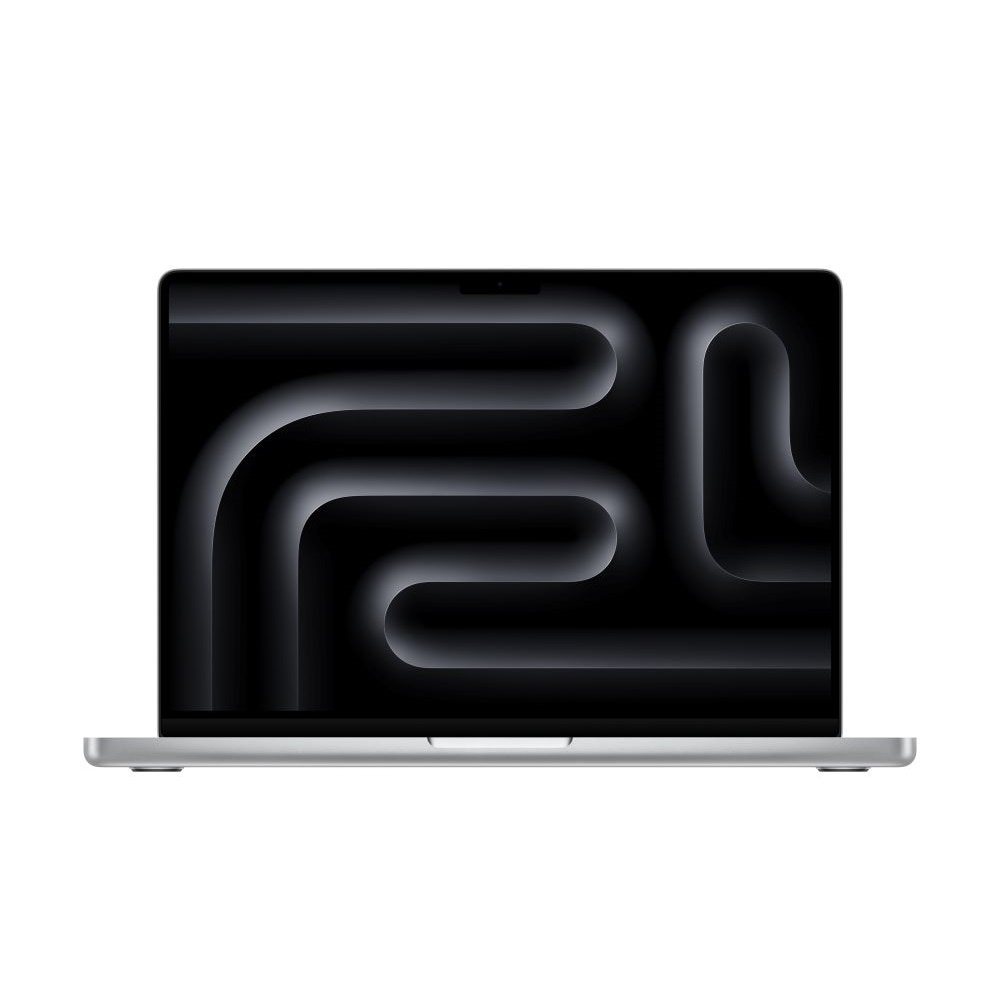
- Is the M4 Pro worth it over the base M4 MacBook Pro?
- Yes if you edit video, compile large projects or run GPU-heavy apps. The M4 Pro adds more CPU and GPU cores and Thunderbolt 5, which the base M4 lacks.
- Should I get the M4 Pro or the M4 Max?
- Choose the M4 Pro for most creative and development work; it runs cooler and quieter. Pick the M4 Max only if you need maximum GPU power for 3D rendering or heavy effects work.
- How long does the battery last?
- Apple rates it up to 24 hours of video streaming and 17 hours of wireless web on the 100Wh battery. Real-world mixed use typically lands well short of the video figure but still lasts a full workday.
- What is in the box?
- The laptop, a 140W USB-C power adapter and a USB-C to MagSafe 3 cable. No external display or mouse is included.
- Can I upgrade the memory or storage later?
- No. Memory and SSD are soldered to the logic board, so choose the configuration you need at purchase.
- Does it support external monitors?
- Yes. The three Thunderbolt 5 ports and HDMI can drive multiple high-resolution displays, including 6K and 8K screens depending on configuration.
- Where is the Apple 2024 MacBook Pro M4 Pro 14-core CPU 20-core GPU cheapest?
- At Adorama, for $2,499.00, as of our latest check.
- Where can I buy the Apple 2024 MacBook Pro M4 Pro 14-core CPU 20-core GPU?
- 2 stores we checked sell it, including Best Buy, Adorama.