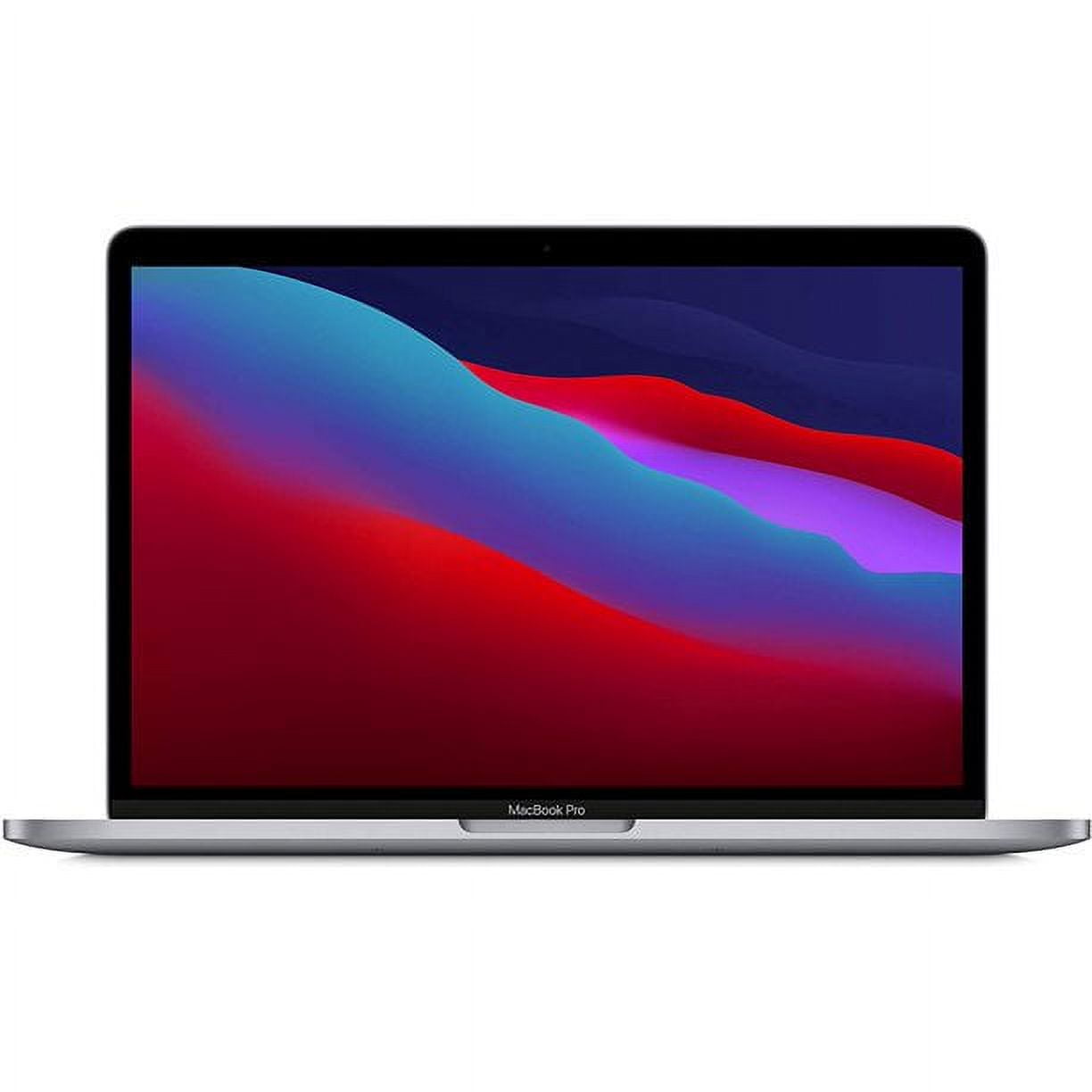
- Is the M1 Pro still a good choice over newer MacBook Pro models?
- Yes for most heavy work. Newer M2 Pro and M3 Pro chips are faster, but the M1 Pro with 32GB still handles video editing, code builds and large photo libraries comfortably. Choose a newer model if you need the latest chip or the brightest display.
- Is 32GB of memory worth it over 16GB?
- For video editing, virtual machines, large codebases or many browser tabs, yes. Light office and browsing work rarely uses more than 16GB. Memory is fixed at purchase, so decide before you buy.
- How long does the battery last?
- Reviewers typically get a full working day of mixed use, and several hours of video playback. Heavy exports and high display brightness shorten that considerably.
- What is in the box?
- The laptop and a USB-C power adapter with a MagSafe cable. No external mouse or extra accessories are included.
- Can I upgrade the SSD or memory later?
- No. The M1 Pro's memory is part of the chip package and the SSD is soldered, so both are fixed at purchase. External Thunderbolt drives are the way to add storage.
- Does it run Windows software?
- Not natively. Windows on Apple silicon runs through virtualization software such as Parallels, and some apps and games do not work. Check your key apps for Apple silicon support first.
- Where is the Apple MacBook Pro 14P M1 Pro chip with 10-core CPU and 14-core GPU, 32GB, 512GB SSD, Space Grey cheapest?
- At MAVROLERT, for $4,125.00, as of our latest check.
- What do buyers say about the Apple MacBook Pro 14P M1 Pro chip with 10-core CPU and 14-core GPU, 32GB, 512GB SSD, Space Grey?
- Rated 5 out of 5 from 77,678 ratings.