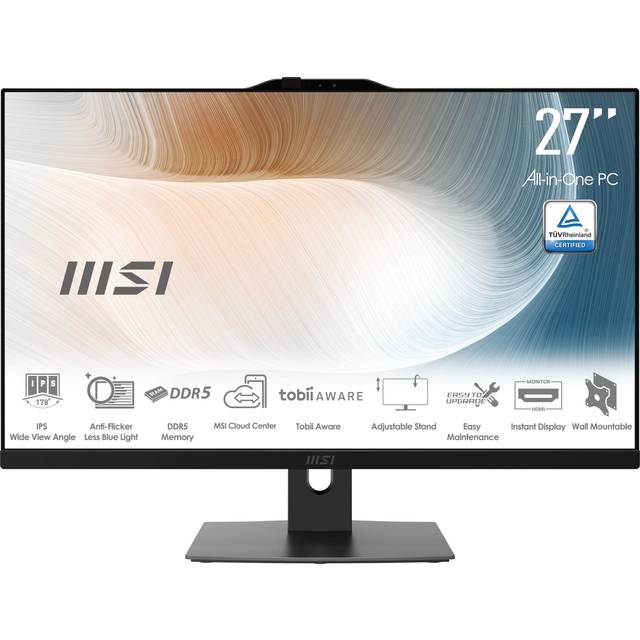
- Is the HP 27 all-in-one good for gaming?
- Only for light and older titles. The Core Ultra 7-155U uses integrated Intel graphics, so modern games at high settings will struggle. A desktop with a dedicated graphics card is the better choice for gaming.
- Can I upgrade the memory or storage later?
- All-in-ones are harder to upgrade than towers. Memory and storage access varies by model, and the 16 GB and 1 TB fitted here are meant to last the life of the machine for most buyers. Check the service manual for your exact model before planning an upgrade.
- Is the touchscreen useful on a desktop?
- It helps with scrolling, tapping through menus and drawing or annotating with a finger or stylus. For typing-heavy work a mouse and keyboard are still faster, so treat touch as a convenience rather than the main input.
- Does it come with a keyboard and mouse?
- HP all-in-ones typically ship with a wireless or wired keyboard and mouse, but bundles vary by model and region. Confirm the box contents for the specific configuration before buying.
- How does it compare with a separate monitor and tower?
- The all-in-one wins on desk space, cabling and simplicity. A separate tower and monitor wins on upgradability, repairability and graphics power, and lets you replace the screen or the computer independently.
- Is a 27-inch 1080p screen sharp enough?
- It is fine for documents, web browsing and video at normal desk distance. Text is less crisp than on a 1440p or 4K panel of the same size, which matters if you read small type for hours.
- Where is the HP 27 Inch Touchscreen All in One Desktop Computer cheapest?
- At Electronic 01, for $1,729.62, as of our latest check.