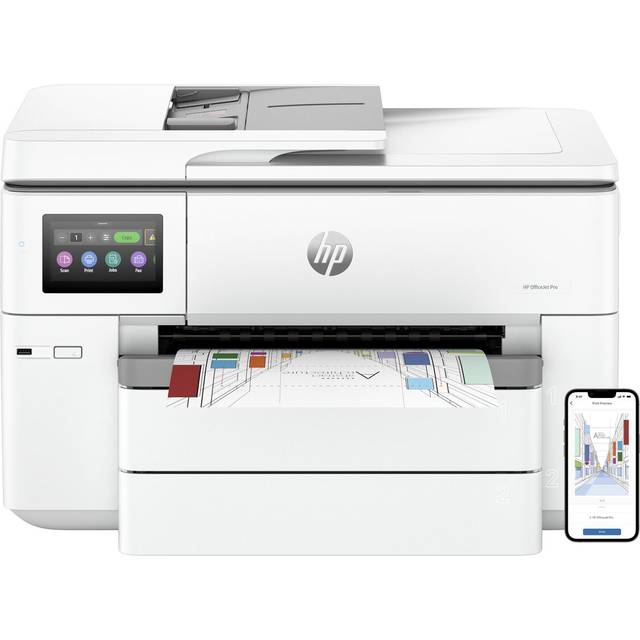
- Is the HP OfficeJet Pro 6978 good for a small office?
- Yes, if you print a mix of mono and color documents and need scanning, copying and faxing in one machine. Its speed, duplex printing and ADF suit light office workloads. Heavy color printing makes ink costs the main drawback.
- Does it print on both sides automatically?
- Yes. Duplex printing is automatic, so you do not flip pages by hand. The document feeder, however, is single-sided, so two-sided scanning and copying are manual.
- What can I connect it to?
- It has Wi-Fi, Ethernet, USB and Apple AirPrint. You can put it on a wired network or print from phones and tablets over AirPrint. There is no memory card reader or PictBridge port.
- How fast is it?
- HP rates it at up to 30 pages per minute in mono and 26 in color. Real-world speeds are lower on complex color pages, but it is quick for an inkjet.
- Is it good for photos?
- It prints photos acceptably but is built for documents. Maximum resolution is 600 x 1200 dpi, so a dedicated photo printer gives better detail and color.
- How much paper does it hold?
- The standard tray holds 225 sheets, and the automatic document feeder holds about 35 sheets. That is enough for a small office without constant refills.
- Where is the HP OfficeJet Pro 6978 cheapest?
- At Best Buy, for $459.99, as of our latest check.