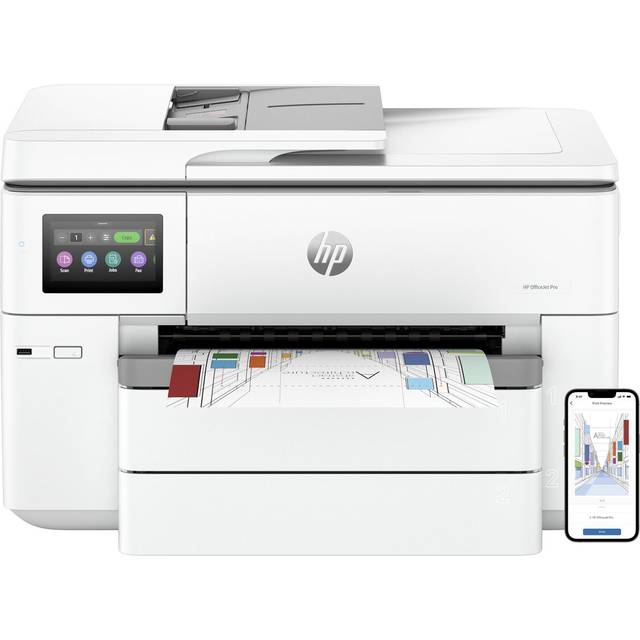
- Is the HP OfficeJet Pro 9135e worth it for a small office?
- It suits light-to-moderate office use where color prints, scanning and copying matter. If you print large volumes in black only, a laser printer will be cheaper to run and faster.
- Does it have an automatic document feeder?
- No. The 9135e has a flatbed scanner only, so multi-page scans and copies must be fed one sheet at a time. Step up to a model with an ADF if you scan stacks often.
- Can I print from an iPhone or iPad?
- Yes. It supports AirPrint over Wi-Fi, so Apple devices can print without installing HP's app. Android and Windows users print through the HP app or driver.
- What paper sizes does it handle?
- It prints and scans A4, Letter and Legal. The flatbed limits scans to one page at a time, and borderless photo printing is limited compared with photo-focused models.
- How does it compare with the OfficeJet Pro 9125e?
- The two are close siblings in HP's office line, sharing the flatbed, touchscreen and ink setup. Check the rated print speed and paper capacity if you need the faster unit.
- Does it need an HP account or subscription?
- HP's setup app pushes an HP account and its ink subscription service, but you can decline and buy cartridges normally. Some features work best with the account connected.
- Where is the HP OfficeJet Pro 9135e cheapest?
- At Office Depot, for $289.99, as of our latest check.
- What do buyers say about the HP OfficeJet Pro 9135e?
- Rated 3.1 out of 5 from 242 ratings.
- Where can I buy the HP OfficeJet Pro 9135e?
- 3 stores we checked sell it, including Office Depot, Quill, Best Buy.