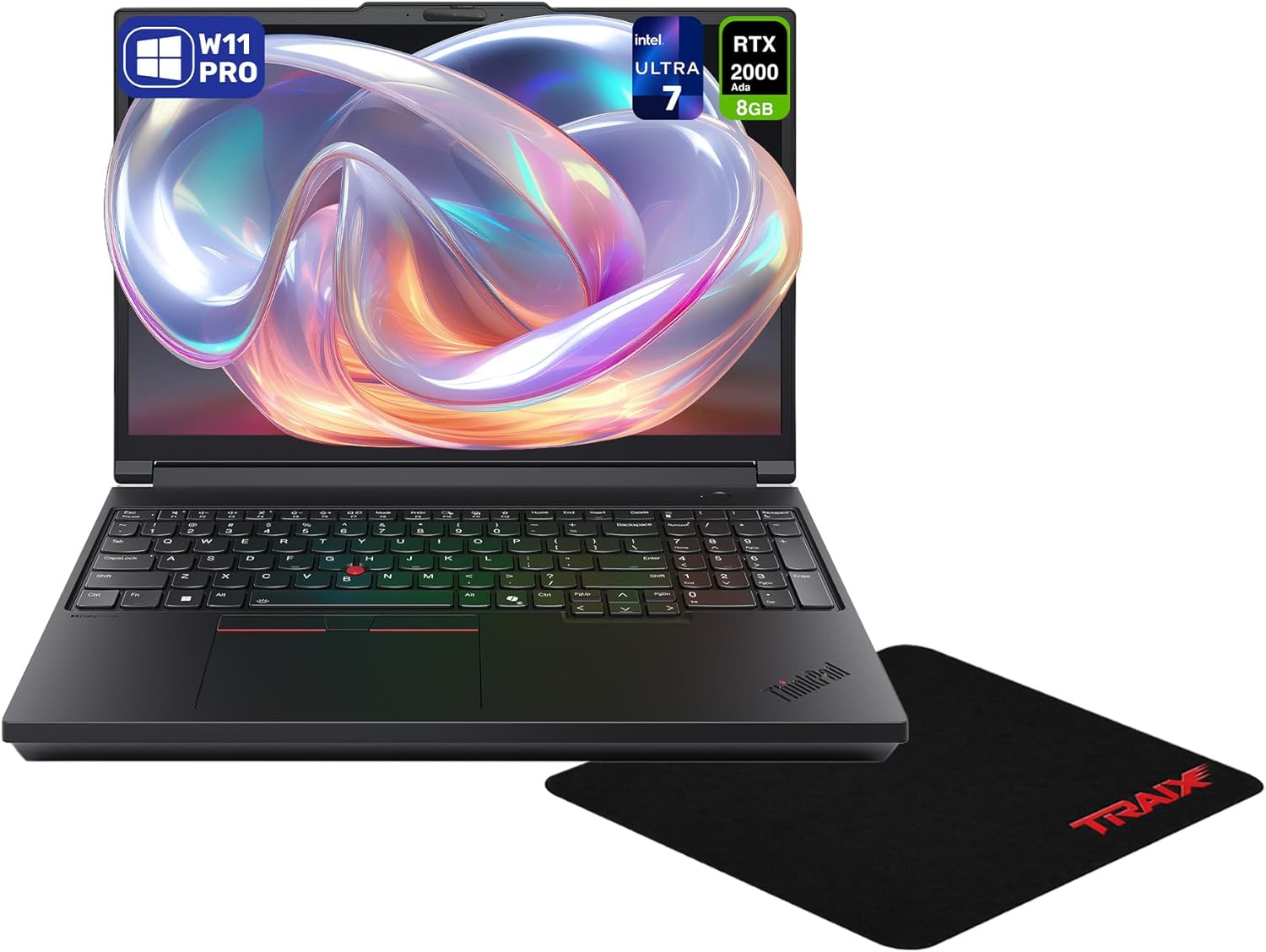
- Is the ThinkPad P16s Gen 3 good for CAD and 3D work?
- Yes. It pairs an Intel CPU with an NVIDIA GPU and supports up to 96 GB of RAM, which covers CAD, modeling and rendering. Check the exact GPU and CPU in the configuration, since they vary by model.
- Can I upgrade the RAM and storage myself?
- Lenovo supports up to 96 GB of RAM, and the P16s series is known for accessible memory and SSD slots. Confirm the slot layout for the specific configuration before buying.
- Does it come with Windows or Linux?
- Lenovo lists both Windows and Linux as available operating systems. The OS depends on the configuration you order, so verify it in the listing.
- How heavy is it?
- About 4 lb. That is light for a 16-inch workstation but heavier than a 13- or 14-inch ultrabook.
- Is the screen good enough for photo editing?
- The base no-glare touchscreen is fine for documents and general work. For color-critical editing, look for a higher-brightness or wide-color panel option.
- Is the ThinkPad P16s Gen 3 worth it?
- It is worth it if you need an NVIDIA GPU, a 16-inch no-glare touchscreen and room for up to 96 GB of RAM in a 4 lb chassis. If you mostly run office apps, a lighter ultrabook with integrated graphics does the job with less heat and noise.
- What is in the box?
- The workstation itself with its power adapter. Lenovo does not bundle a dock or stylus, so add those separately if you need them.
- Where is the Lenovo ThinkPad P16s Gen 3 Mobile Workstation cheapest?
- At Amazon, for $1,499.00, 50% under what the other stores charge, as of our latest check.
- Is the Lenovo ThinkPad P16s Gen 3 Mobile Workstation at its lowest price?
- Yes: $1,499.00 is the lowest price we've seen for it since November 7.
- Where can I buy the Lenovo ThinkPad P16s Gen 3 Mobile Workstation?
- 13 stores we checked sell it, including eBay, Target, Walmart, colamco.com, BarcodesInc.