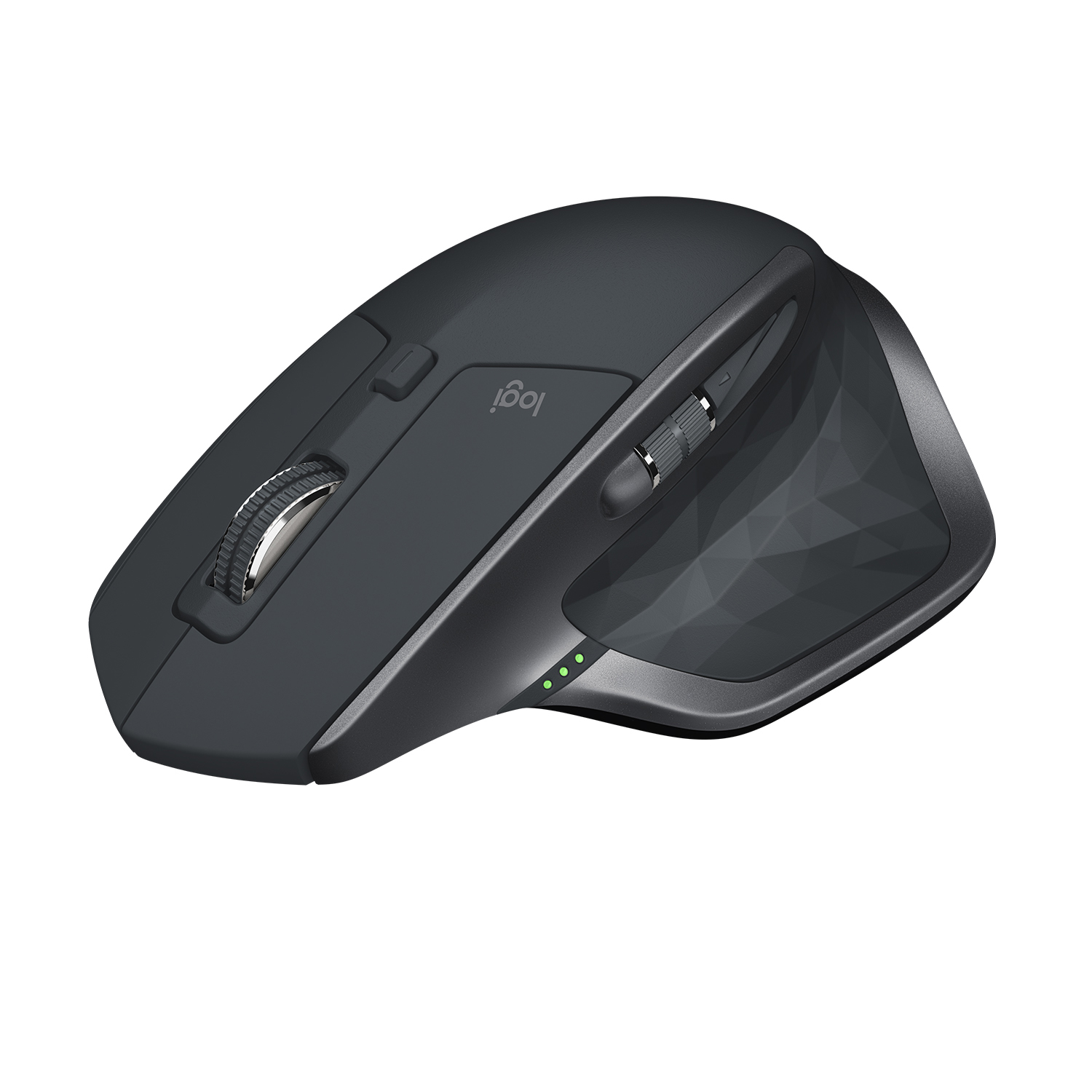
- Is the MX Master 4 worth it over the MX Master 3S?
- If you want haptic feedback and the latest button layout, yes. If you already own a 3S and don't care about haptics, the older model covers the same core features.
- How does it connect?
- It connects over Bluetooth and Logitech's USB receiver, and can pair with multiple devices you switch between with a button.
- Is it good for small hands?
- It is a large mouse built for palm grip. People with small hands often find it too big and may prefer the MX Anywhere line.
- Can left-handed users use it?
- Not comfortably. The shape and thumb controls are designed for the right hand only.
- What's in the box?
- The mouse, a USB receiver and a charging cable. The receiver is stored in the mouse for travel.
- Does it work with Mac and Windows?
- Yes. It works with Windows, macOS and Linux, and Logitech's software adds per-app customization on Windows and macOS.
- Where is the Logitech MX Master 4 Mouse cheapest?
- At Newegg, for $169.99, as of our latest check.