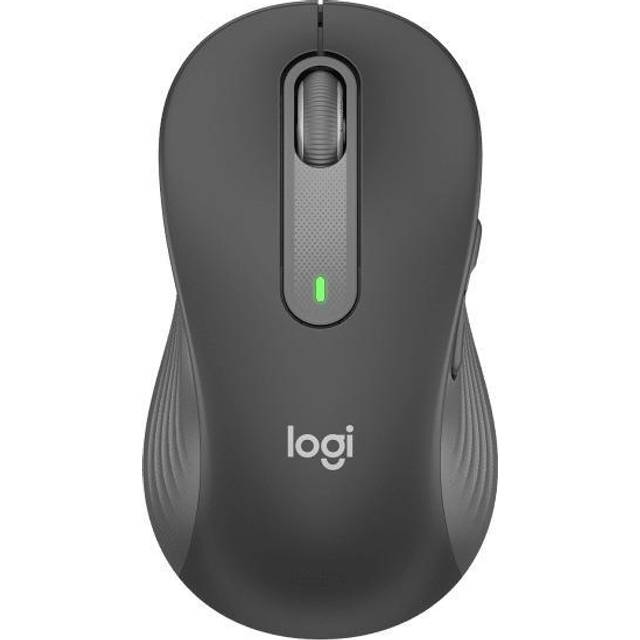
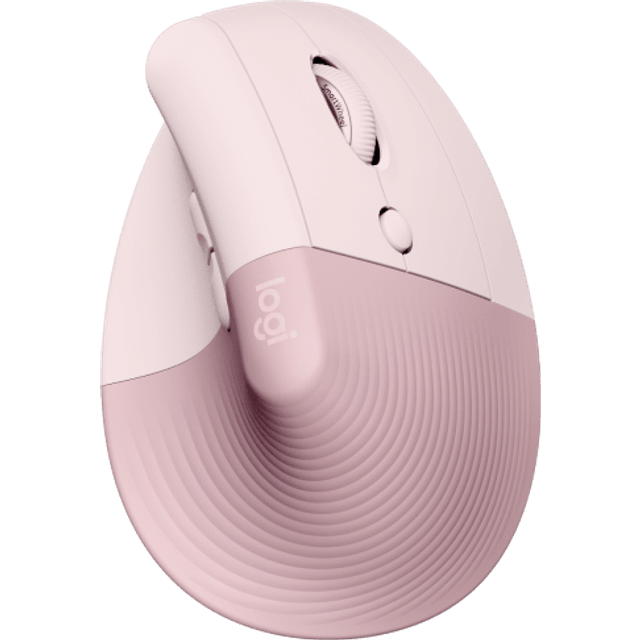
- Is the M650 L really for left-handed use?
- Yes. This version is molded for the left hand, with the two side buttons on the right side where a left thumb reaches them. The standard M650 L is the right-handed shape.
- How does it connect to a computer?
- It works over Bluetooth or with the included Logi Bolt USB receiver. You can pair it with up to three devices and switch between them with the button on the bottom.
- Does it need a dongle?
- No. Bluetooth works without the receiver on most laptops and desktops. The receiver is there for machines without reliable Bluetooth or for Logi Bolt setups.
- How long does the battery last?
- Logitech rates it at up to two years on one AA battery, and the mouse ships with a battery included. There is no charging port.
- Can I change what the buttons do?
- Yes. The five buttons can be remapped in Logi Options+, including the side buttons and the middle click. Sensitivity is also set there, since there is no DPI button.
- Is it good for gaming?
- Not really. It is an office mouse with a 4000 DPI optical sensor, no backlight and no onboard DPI switch. It suits documents and browsing, not fast-paced games.
- Where is the Logitech Signature M650 L cheapest?
- At Newegg, for $28.20, 29% under what the other stores charge, as of our latest check.
- What do buyers say about the Logitech Signature M650 L?
- Rated 4.6 out of 5 from 29 ratings.
- Where can I buy the Logitech Signature M650 L?
- 6 stores we checked sell it, including Newegg, Best Buy, Staples, Adorama, Quill.