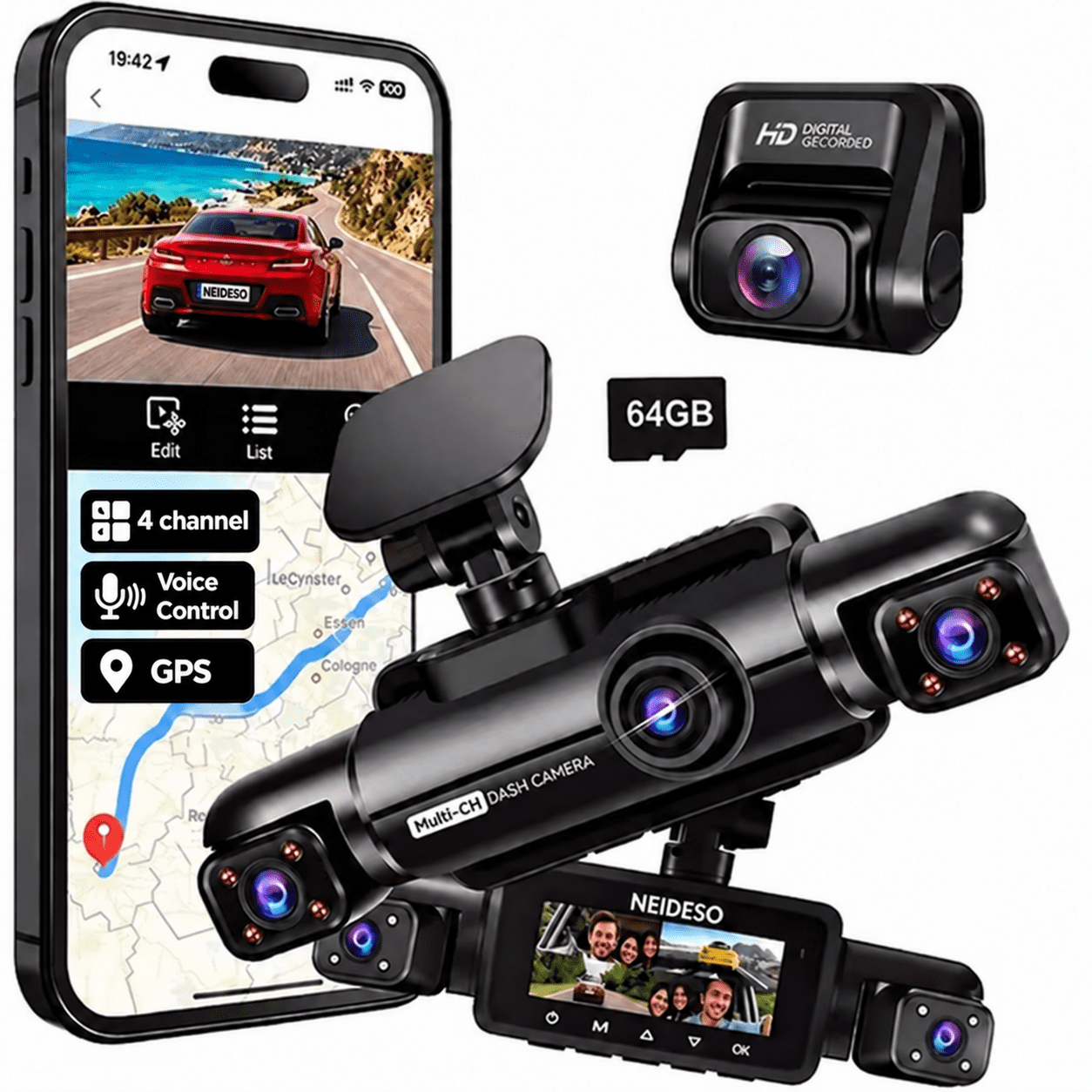
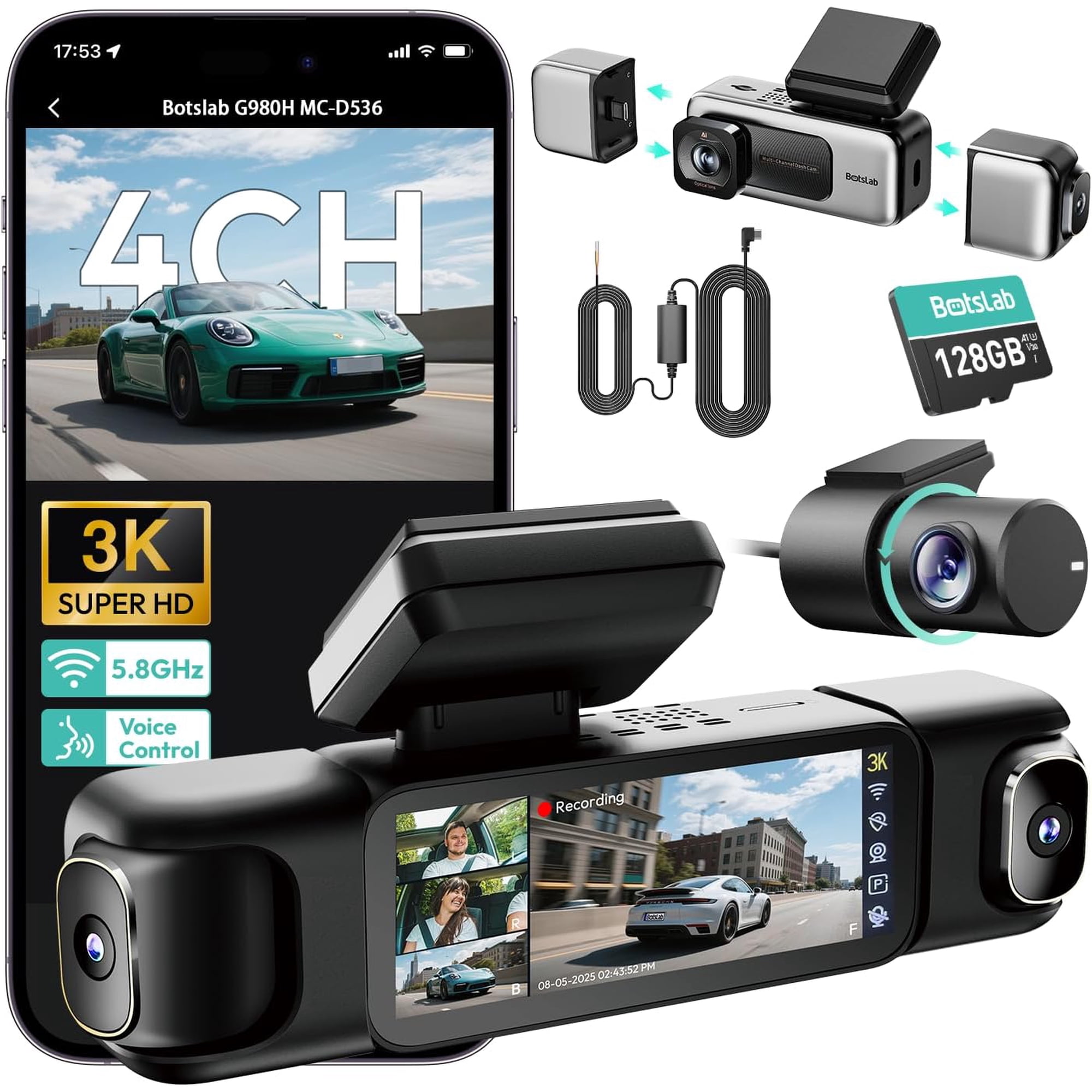
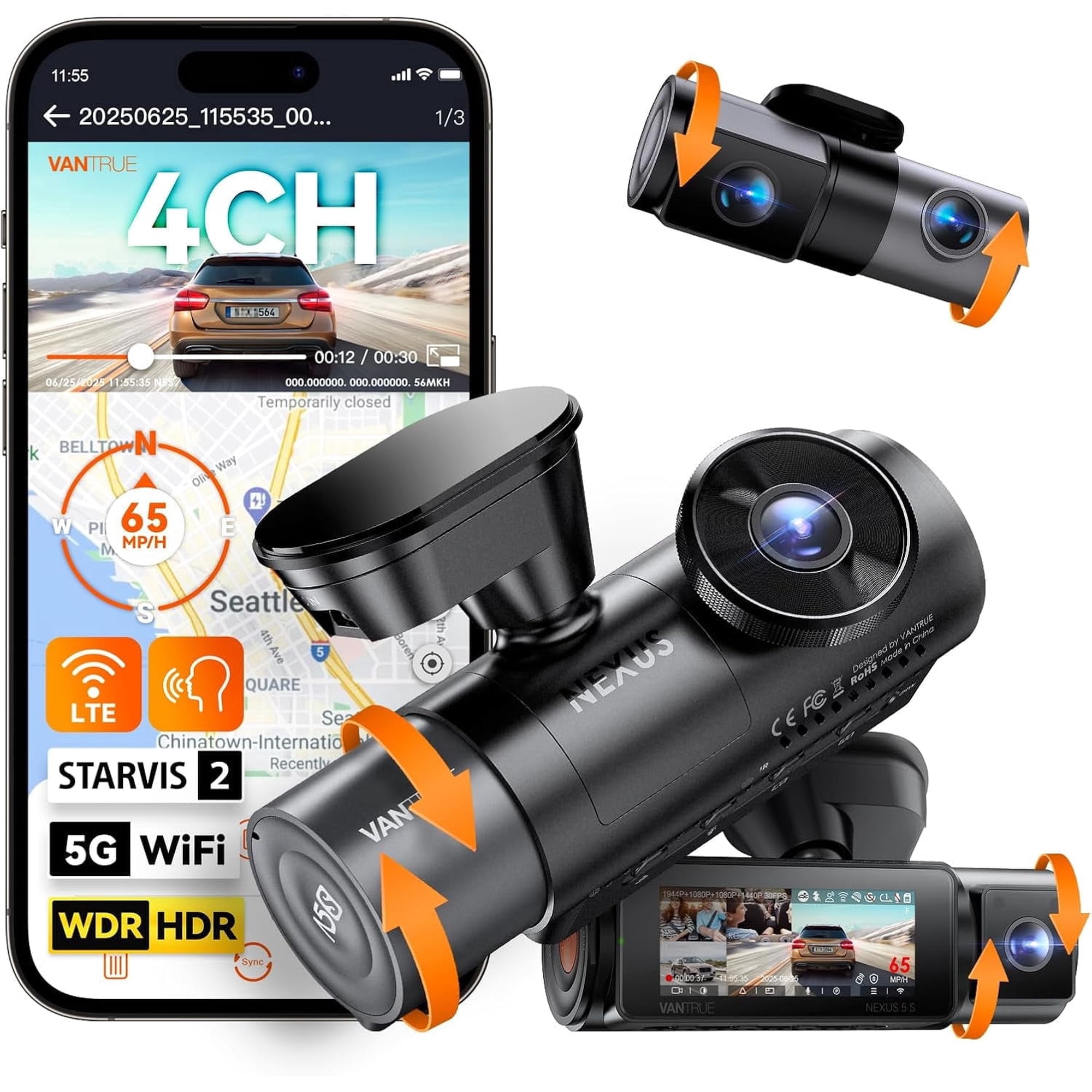
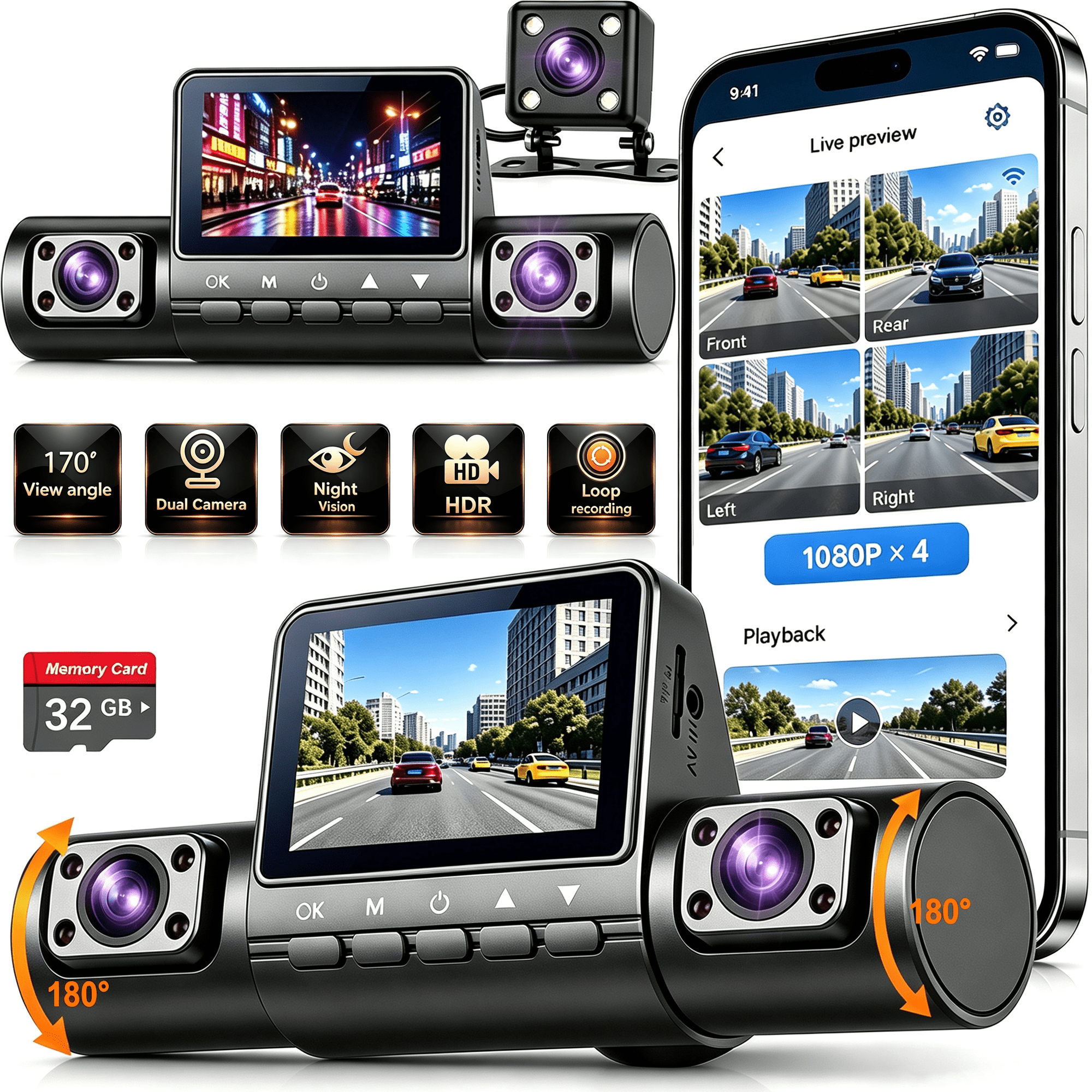
【24-hour customer service】 If you encounter any problems with the installation of the dashcam, don't hesitate to reach out to us, we will provide customer service for you to solve the problem. 4K Car DVR Camera with Interior and Rear View, 4 Channel Vehicle Security Camera Recorder, Front Cabin Dash Cam with GPS, 2.4GHz WiFi App, IR Night Vision, G-Sensor, Loop Recording, Parking Monitor Functional Features: 1080P/2K/4K recording4-Channel GPS Driving Recorder – Supports 1080P/2K/4K video recording 64GB SD Card Included – Ready for monitoring and video storage Hardwire Kit Compatible – Enables long-term parking surveillance 360° Rotatable Camera System – Adjustable angles for full vehicle coverage Car DVR Recorder with GPS – Records route, speed, and location data Built-in 2.4GHz WiFi & APP Control – View, download, and manage videos easily 3.16" IPS Screen Display – Clear viewing and convenient operation WDR Night Vision Technology – Improves clarity in low-light conditions Voice Control & G-Sensor Protection – Hands-free operation and collision video locking Loop recording: Every 3-minute loop, the oldest videos are overwritten when the SD card is full. 360° Vehicle Security Monitoring – Ideal for personal cars, rideshare, taxi, and fleet vehicles Built-in 2.4GHz WiFi GPS records your driving path, speed, and location with accuracy, providing key evidence for accidents and legal compliance. The Wi-Fi connection is used to link the camera with the app, not for internet access. Super Night Vision: 8 IR lights ensure clear recording even at night, while WDR adjusts light sensitivity to capture detailed images in both bright sunlight and low-light conditions. Voice control: Use your voice to take photos, mute/unmute the microphone, start/end recording, and lock videos, all hands-free. Since 2008, has been dedicated to providing reliable road safety solutions for drivers, committed to creating high-quality products and continuous improvement. What's in the box: 1* Dash Cam 1*1080P Rear Camera 1*Suction Cup Mount 1*Car Charge with Type C USB Cable 1*Car Wiring Tool 1*User Manual 1*Electrostatic Film for 3M Mount 1*64GB SD Memory Card(inserted into the machine in advance) 1*19.6ft Rear Camera Cable Dash Cam with built-in GPS, no extra accessories required. Installation: Test before installation, start the car generator, connect the car charger to the cigarette lighter port and the car recorder, connect the rear camera, insert the SD card and make sure the dashboard works properly. Step 1: Wipe the pre-installed position on the front windshield with a clean rag, place the sticker on the reserved position, remove the bubbles on the sticker; It is recommended to install the 3M bracket first after half an hour of standing still, and install the car recorder after 12 hours of standing still, so that it will be more solid. Step 2: Pass the power cord along the front windshield and roof with a tool, hide the power cord in the body gap to avoid blocking the driver's view; Step 3: Install the rear camera: wipe the required rear with a clean rag windscreen. Place the static sticker in the reserved position, clear the bubble on the sticker, the red 3M adhesive in the package is pasted on the rear camera articulation, and install it in the reserved position.Note: This rear camera is not waterproof, it is recommended to install it inside the car. APP Control1. Download the App. 2. Connect WiFi of the dash cam (open the phone WiFi settings list, select the WiFi name (SSlD) on the machine, and enter the password: 12345678 to connect.) 3. Click to connect APP. 4. Live screen viewing. 5. Dash cam settings. 6. Video and photo viewing. The built-in WiFi is used to connect the camera and APP, not for internet access. Heat-Cold Resistant Operating temperature: -30°C to +60°C This dash cam can not only record the scenery but also escort your safety. It is your excellent choice. Q1: Why can't I connect to WiFi?A1: We suggest you to install the latest app to use WiFi properly. Please trysearching and downloading one of the following apps from the Play Store: "TsCam", or "Roadcam". Q2: Why is the application not running?A2:We suggest you to install the latest app.Please try searching and downloading one of the following apps from the Play Store: "TsCam", or "Roadcam". Q3: Why does the camera beep and prompt to insert an SD cardeven though one is inserted?A3: This indicates that the camera cannot recognize the SD card. I suggest formatting the SD card and resetting the camera to factory settings. If it still cannot be recognized, the SD card maybe faulty. Please contact us.