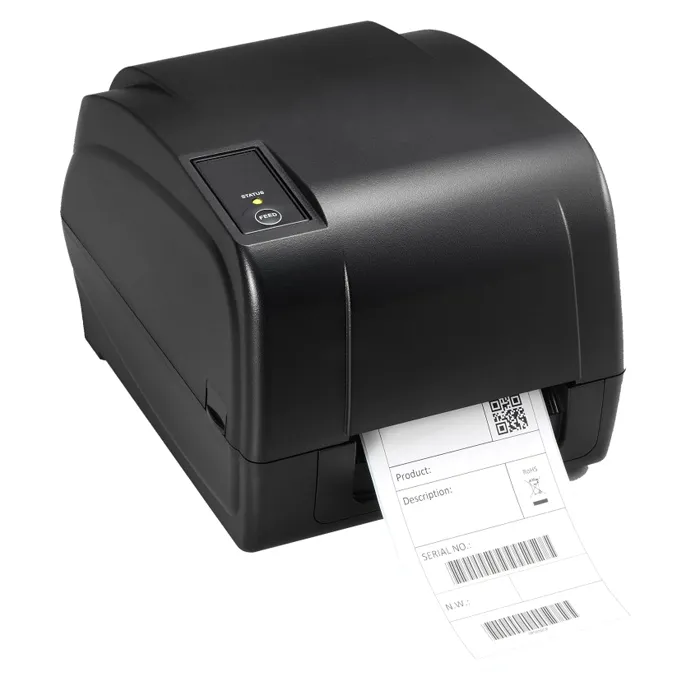
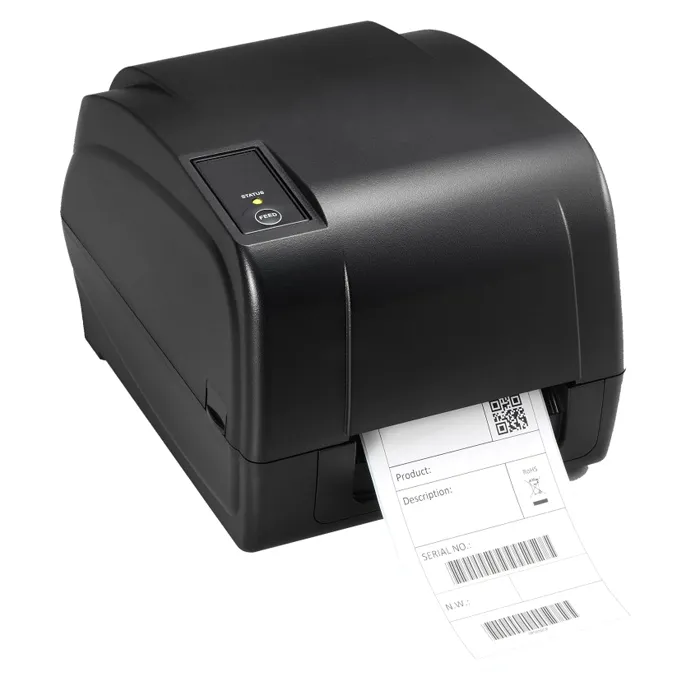
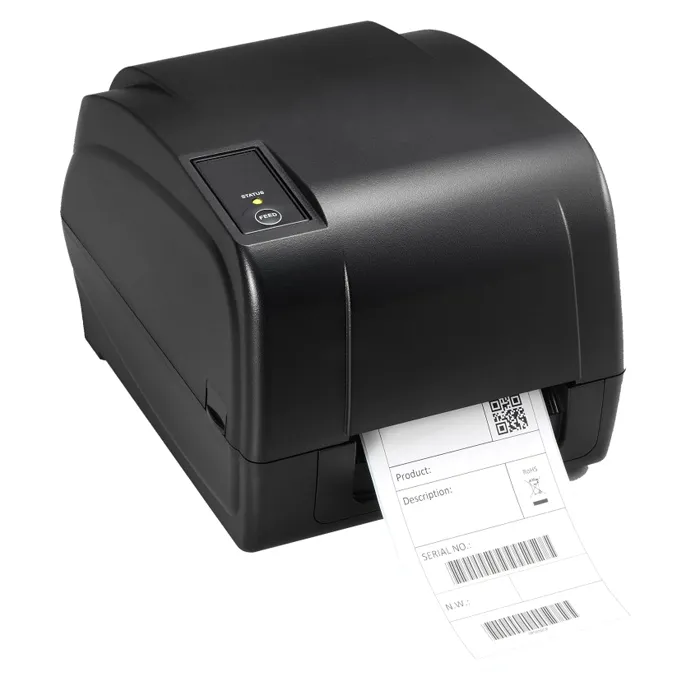
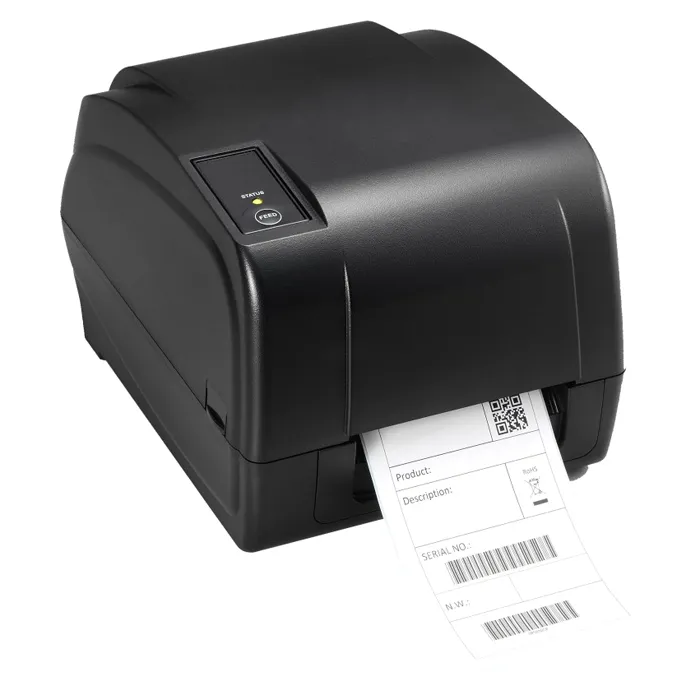
- What is the difference between direct thermal and thermal transfer?
- Direct thermal prints by heating the label itself, so no ribbon is needed, but labels fade with heat and sunlight. Thermal transfer melts a ribbon onto the label, which lasts longer and works on plain paper stock.
- Is 203 DPI enough for barcodes?
- Yes. 203 DPI is the common resolution for shipping labels, shelf tags and standard barcodes. It is coarse for very small text or dense graphics, where 300 DPI models do better.
- Does it need a ribbon?
- Only in thermal transfer mode. In direct thermal mode it prints on thermal labels with no ribbon at all.
- What labels does it take?
- It is built for roll-fed label stock, both direct thermal labels and plain labels for use with a ribbon. Match the roll width and core size to the printer's media holder.
- How does it connect to a computer?
- Desktop label printers in this class usually connect over USB, with serial or Ethernet on some versions. Check the port list on the unit before buying.
- Who is it for?
- Small retailers, warehouses and back offices that print shipping labels, barcodes and shelf tags in modest volumes. High-volume production lines need a heavier industrial printer.
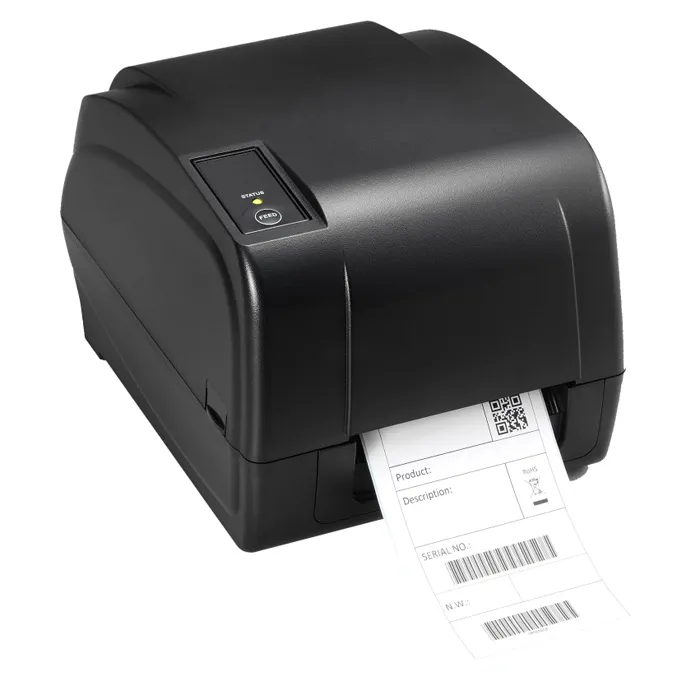
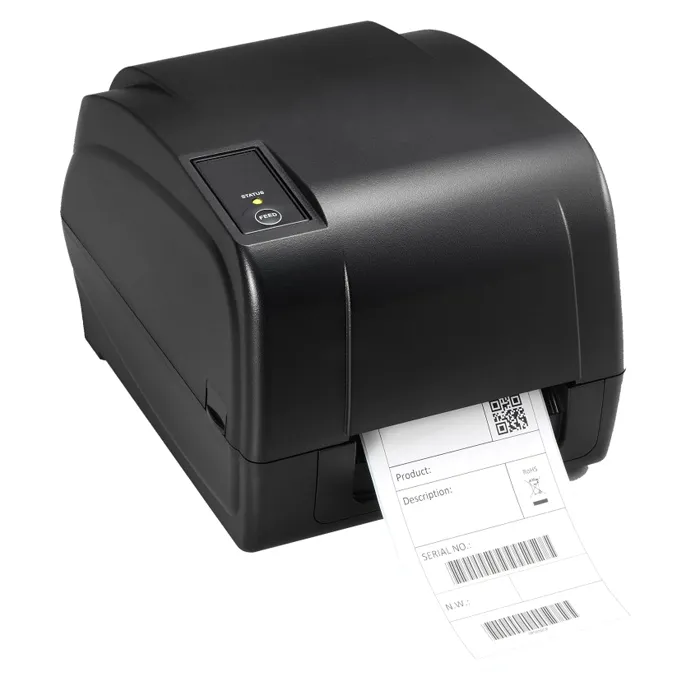
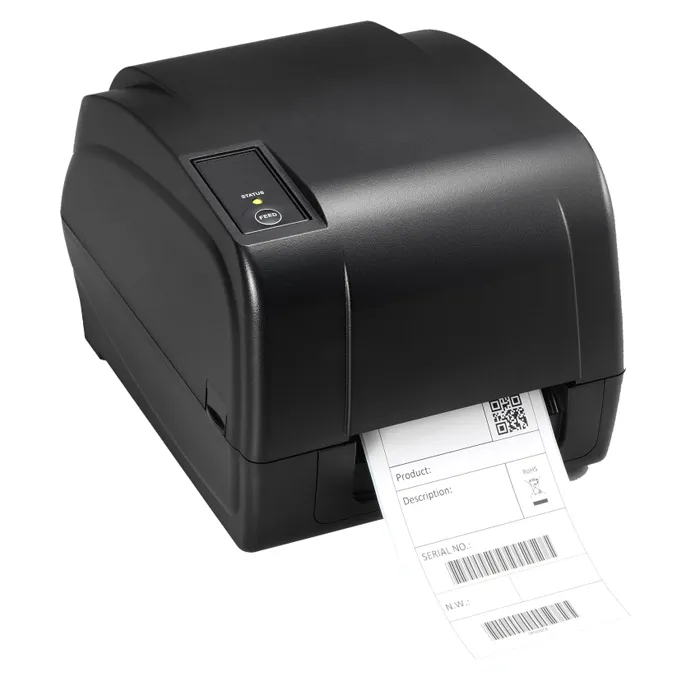
- Where is the Toshiba 18221168713 203 DPI Direct Thermal Transfer Label Printer cheapest?
- At Gotodirect, for $897.68, as of our latest check.