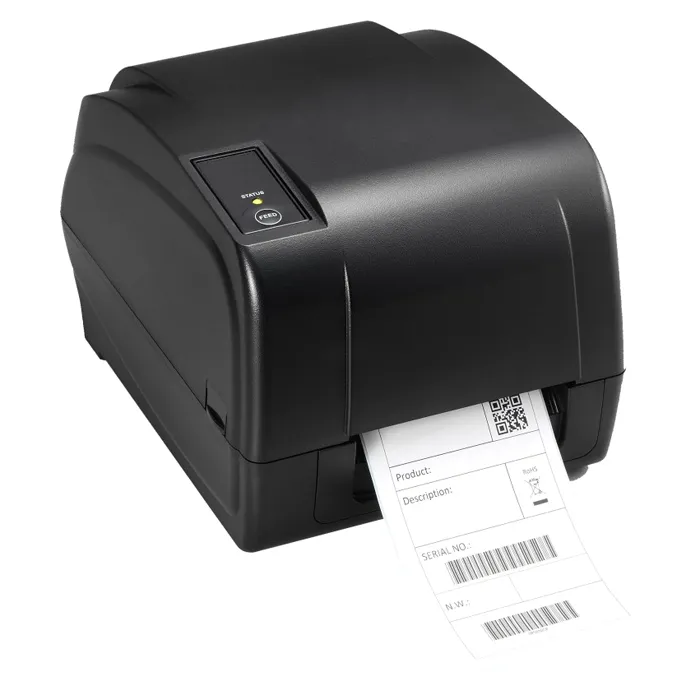
- What is the difference between thermal transfer and direct thermal?
- Thermal transfer uses a ribbon that melts onto the label, so prints resist heat, sunlight and smudging. Direct thermal prints on specially coated paper without a ribbon and fades over time.
- Is 200 DPI enough for barcodes?
- Yes for standard 1D barcodes, shipping labels and shelf tags. Very small text and dense 2D codes such as some QR labels come out cleaner on a 300 DPI printer.
- What do I need to run it?
- A thermal transfer ribbon, compatible labels and a connection to your computer, usually USB. It does not print on plain paper.
- Can it print without a computer?
- No. It is a desktop printer that receives label jobs from a PC or software system over its data connection.
- Who is it for?
- Small warehouses, retail back offices and shipping desks that print a steady run of labels and want durable output. Occasional home labeling is better served by a cheaper direct thermal model.
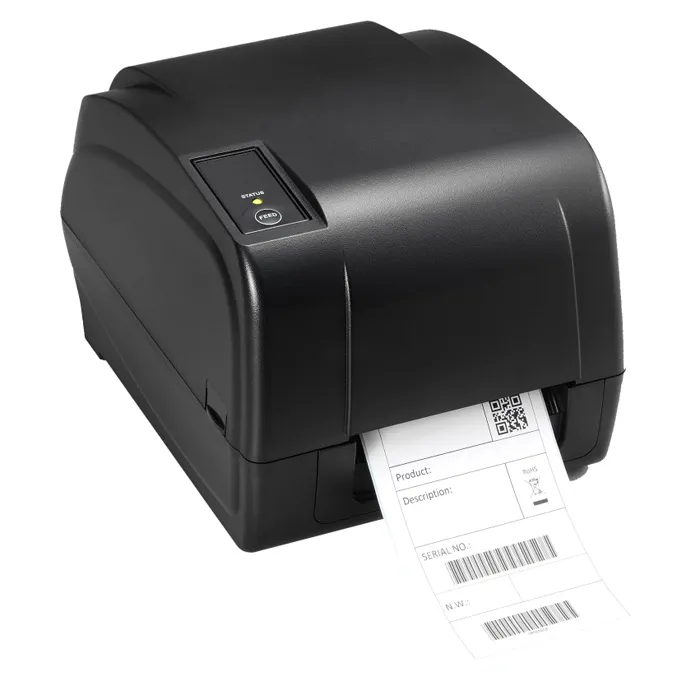
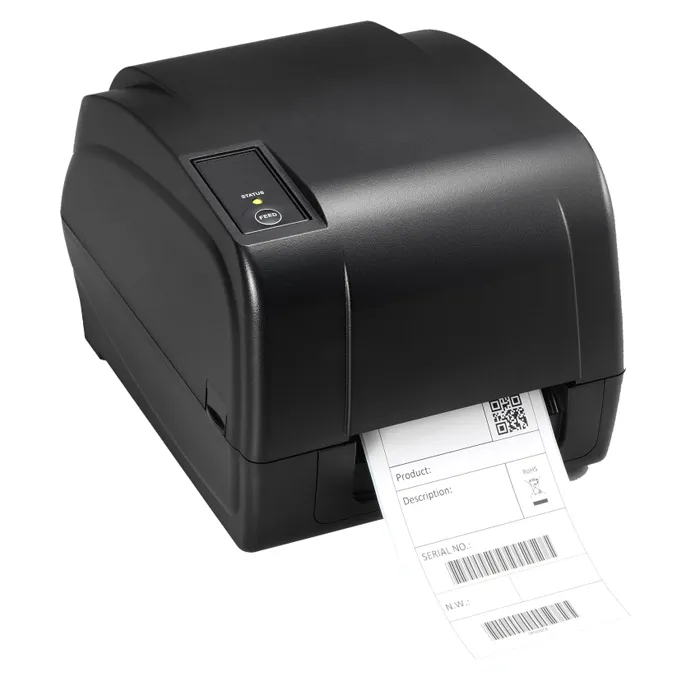
- Where is the Toshiba 18221168794 200 DPI Thermal Transfer Barcode Label Printer cheapest?
- At Gotodirect, for $858.68, as of our latest check.
- Where can I buy the Toshiba 18221168794 200 DPI Thermal Transfer Barcode Label Printer?
- 2 stores we checked sell it, including Gotodirect, Newegg.