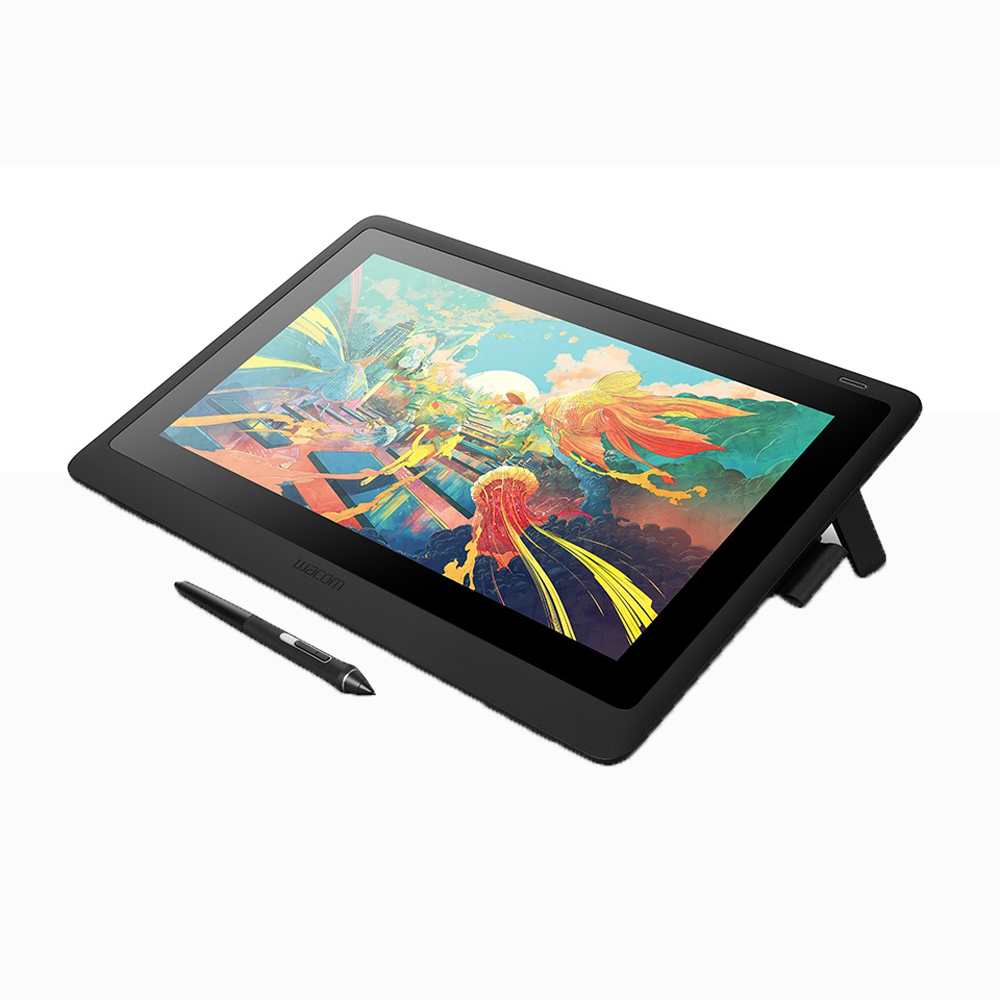
- Is the Cintiq Pro 22 worth it over the 16-inch model?
- If you work at a fixed desk and want more canvas for detailed illustration or 3D, the 22 gives you a noticeably larger drawing area. The 16 is easier to move and takes less space.
- Does it work with a single USB-C cable?
- Yes, on computers that support USB-C with DisplayPort Alt Mode and enough power delivery. Older or less capable ports may need the included adapter or a separate power connection.
- What pen does it use?
- It uses the Wacom Pro Pen 3, which supports tilt and pressure sensitivity and has a low initial activation force. The pen needs no battery.
- Does it come with a stand?
- No. Wacom sells stands and arms separately, and owners often recommend a sturdy monitor arm for comfortable angles.
- Is it compatible with Photoshop, Illustrator and Blender?
- Yes. It works with major creative software on Windows and macOS, and pressure and tilt are supported in apps that use Wacom drivers.
- How does it compare with the Cintiq Pro 27?
- The 27 offers a larger screen and more workspace, while the 22 is smaller, lighter and easier to fit on a normal desk. Both share the Pro Pen 3 and 4K resolution.
- Where is the Wacom Cintiq Pro 22 drawing tablet with screen cheapest?
- At Adorama, for $2,999.95, as of our latest check.
- Where can I buy the Wacom Cintiq Pro 22 drawing tablet with screen?
- 3 stores we checked sell it, including Best Buy, Newegg, Adorama.