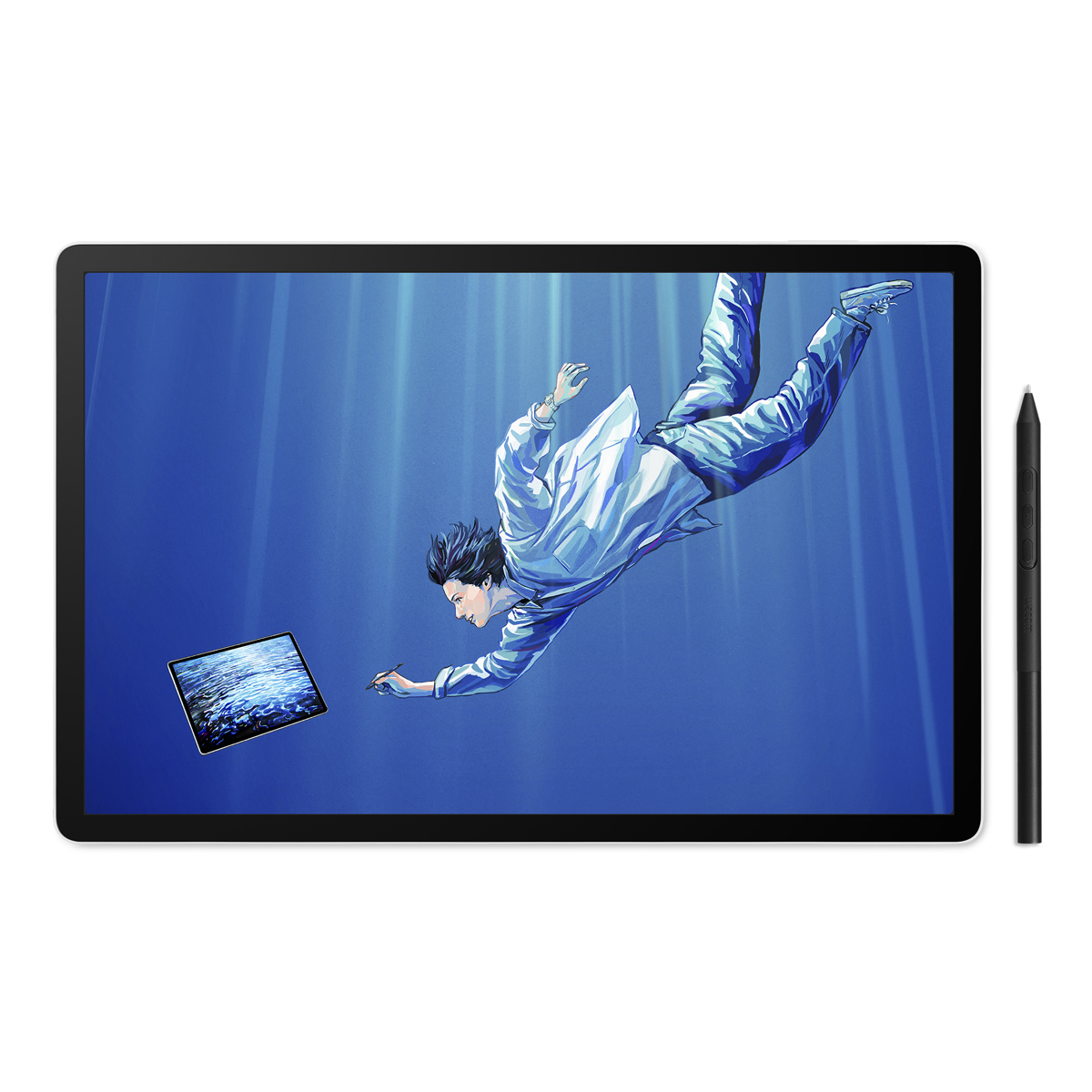
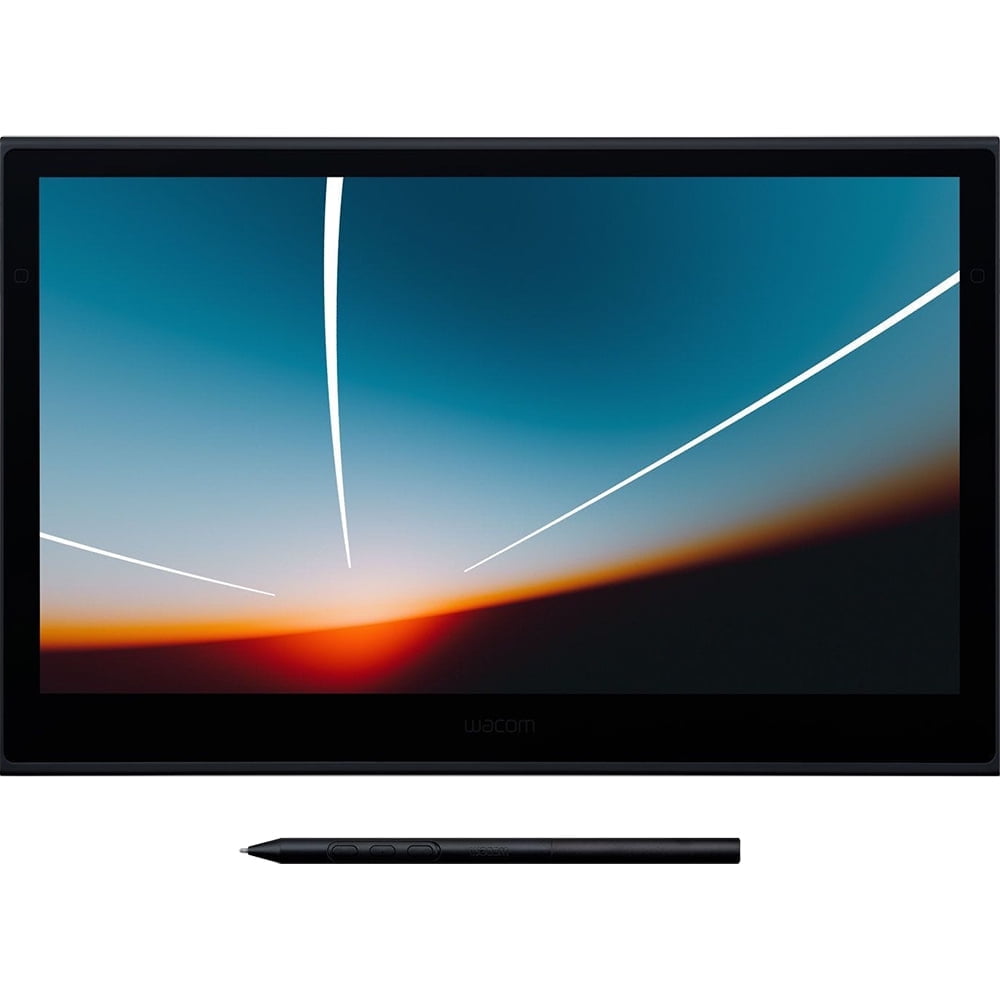
Wacom One creative pen display 13.3" Touch
Last price we saw
Prices change often: ask the agent below to check today's price at every store.
Prices are checked against each store and labelled with when.
Check today's price at Best BuyAsk our agent about this product
It checks today's price at every store, compares the alternatives and answers in about a minute.
Price facts
- Last seen at $479.99 at Best Buy on Nov 16.
Our take on the Wacom One creative pen display 13.3" Touch
The Wacom One is a 13.3-inch pen display with a 1920x1080 screen and a battery-free pen that draws directly on the glass. This Touch version adds finger input, so you can pan, zoom and tap with your hand as well as the pen. It is aimed at beginners, students and hobbyists moving up from a plain tablet, and it sits below Wacom's Cintiq line in features and build. Owners like the natural drawing feel and the simple setup; the main complaints are the glossy, somewhat dim panel and the cable clutter.
- Pen draws directly on the screen with 4096 levels of pressure
- Battery-free pen needs no charging
- Touch input for panning, zooming and tapping
- Full HD 16:9 panel with a wide active area
- Works with Windows PCs over USB and DisplayPort
Wacom One creative pen display 13.3" Touch prices at every store
- Best BuyNew
Out of stock
$479.99Free shippingChecked 1 h ago
Store links may earn us a commission. Price via Klarna.
Wacom One creative pen display 13.3" Touch price history
Lowest price we've seen: $479.99 on Nov 16 at Best Buy. Tracked across 1 store since Nov 16.
What reviewers say
Owners and reviewers treat the Wacom One as a solid first pen display. They praise the pen feel and easy setup, and criticise the glossy panel, modest color and the tangle of cables.
- Pen feelPraisedOwners say the pen tracks smoothly and pressure feels natural for drawing and sketching.
- ScreenMixedThe Full HD panel is sharp, but reviewers find it glossy and not very bright, with colors short of premium displays.
- SetupPraisedBuyers report quick installation on Windows with the included cables and drivers.
Questions and answers
- Does the pen need charging?
- No. The pen is battery-free and draws power from the display, so there is nothing to recharge.
- Does it work with a Mac?
- Wacom lists it for Windows PCs. Mac support is not stated, so check compatibility before buying for a Mac.
- What is the difference from the non-Touch Wacom One?
- This version adds finger touch for panning, zooming and tapping. The drawing screen and pen are otherwise the same.
- What comes in the box?
- You get the pen display, the battery-free pen, the connection cables and the stand. A power adapter may be needed separately depending on your setup.
- Is it good for beginners?
- Yes. It is a common first pen display: simple to set up, with a natural pen and a screen big enough for sketching and light editing.
- Can I use it as a second monitor?
- Yes. It connects over USB and DisplayPort and works as an extended display alongside your main screen.