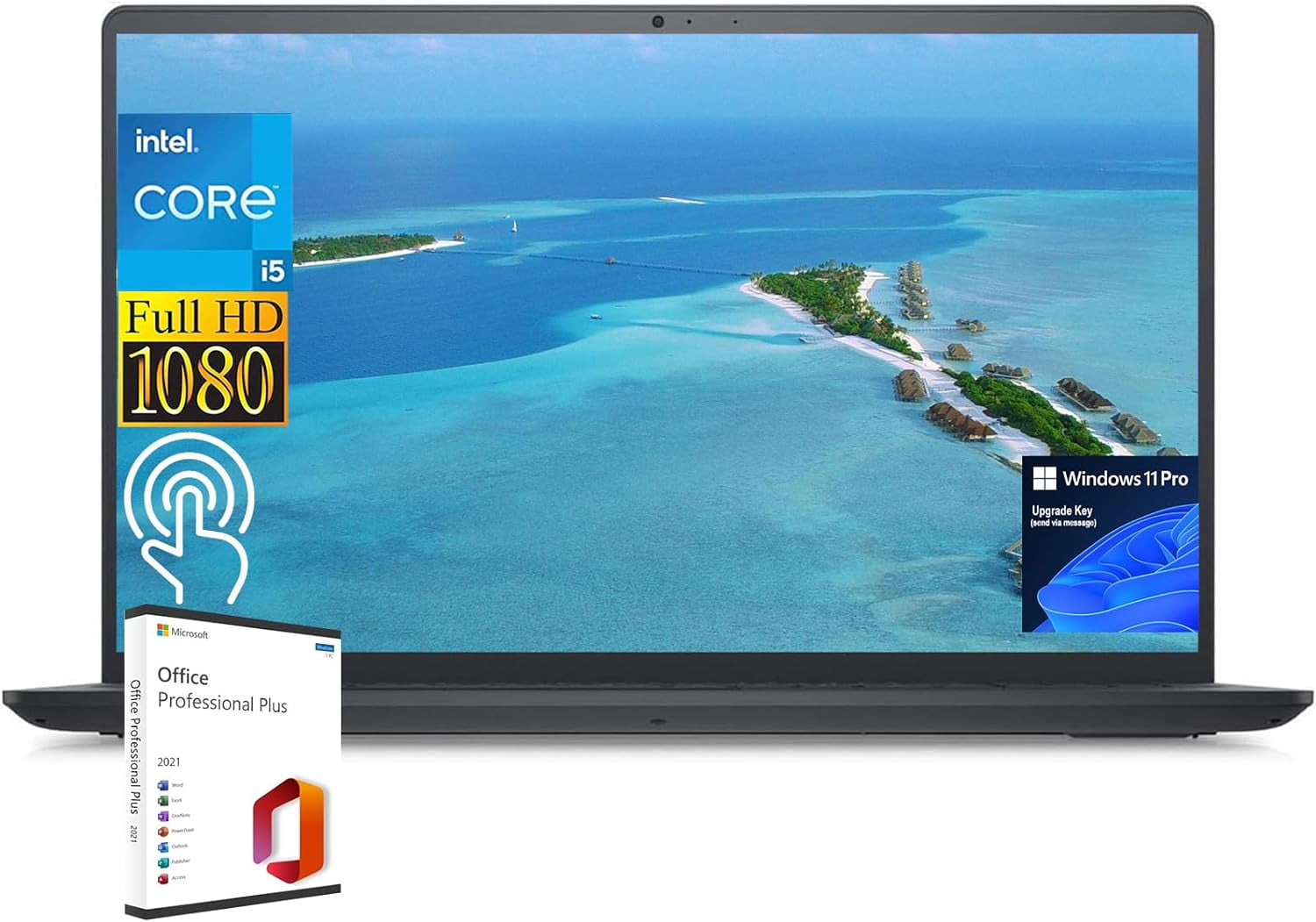
- Is 16 GB of RAM enough for this laptop?
- Yes for office work, browsing and light photo editing. It is the amount most ultrabooks now ship with, and it leaves headroom for many tabs. Heavy video editing or virtual machines would want more.
- What does S mode mean for me?
- Windows 11 in S mode only installs apps from the Microsoft Store. You can switch out through Settings > Activation, but the change is one-way and permanent, so you cannot return to S mode afterward.
- Can I install Chrome or other desktop apps?
- Not while S mode is on. After you switch out of S mode, you can install software from any source, including browsers and desktop programs.
- Is the 512 GB drive enough?
- For documents, photos and everyday software, yes. Large game libraries or big video projects will fill it, and this class of laptop is not aimed at those.
- How does it compare with a 13-inch ultrabook?
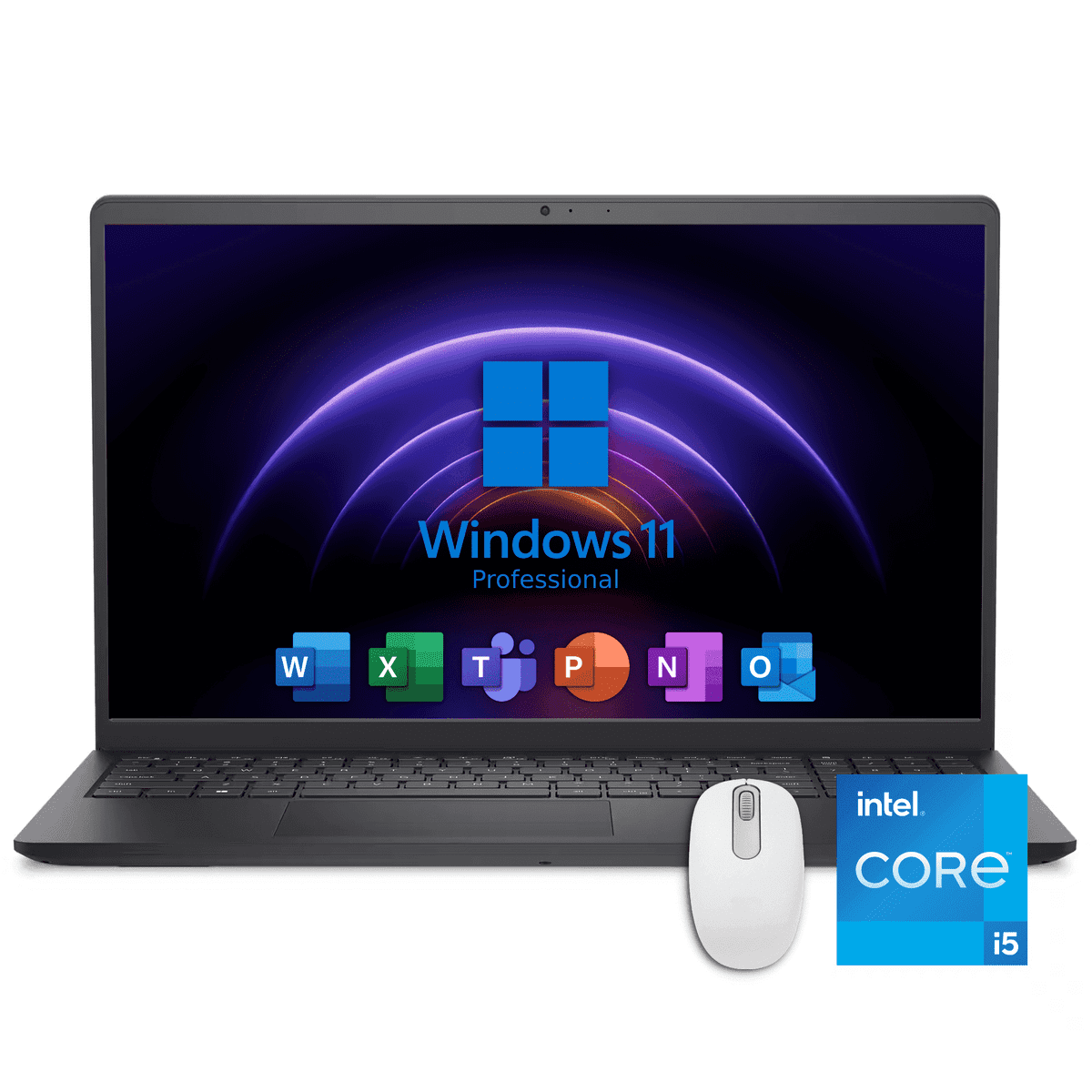
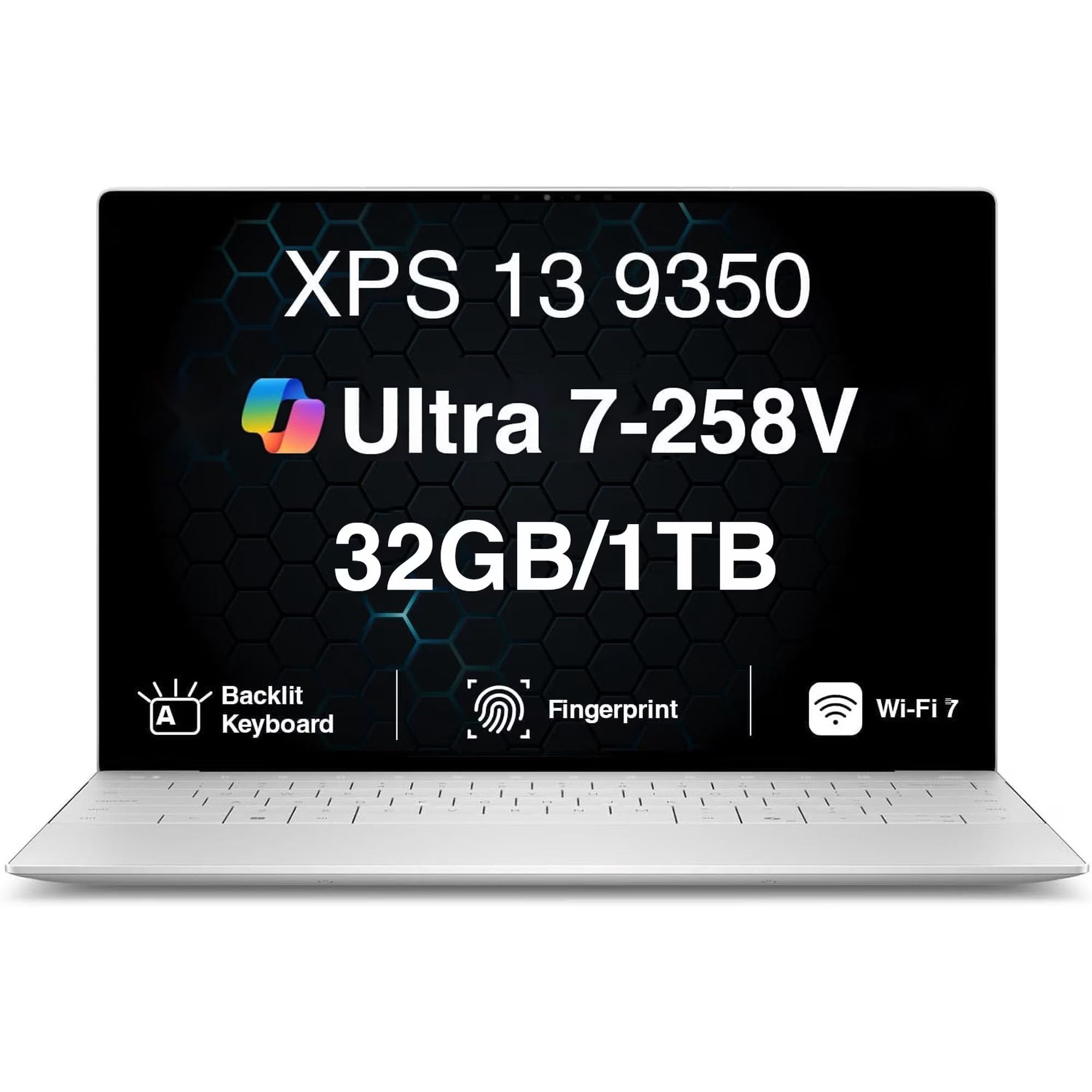
- It gives you a larger 15-inch screen and the same 16 GB and 512 GB tier, but it is bigger and heavier to carry. A 13-inch model suits travel better; this one suits desk work.
- Does it have a dedicated graphics card?
- Nothing in the specs points to one, so expect integrated graphics. That is fine for video calls and office apps but not for demanding games.
- Where is the Dell 15 Professional Laptop cheapest?
- At Amazon, for $679.99, as of our latest check.
- What do buyers say about the Dell 15 Professional Laptop?
- Rated 4.7 out of 5 from 3 ratings.
- Where can I buy the Dell 15 Professional Laptop?
- 3 stores we checked sell it, including Best Buy, Walmart, Amazon.