Dell Alienware Curved 34.2" QD-OLED Gaming Monitor
Where to buy
No store is showing a current price right now. The stores below sell it; ask the agent to check today's prices.
Prices are checked against each store and labelled with when.
Check today's price at PzDealsIn stock now from Alienware


Our take on the Dell Alienware Curved 34.2" QD-OLED Gaming Monitor
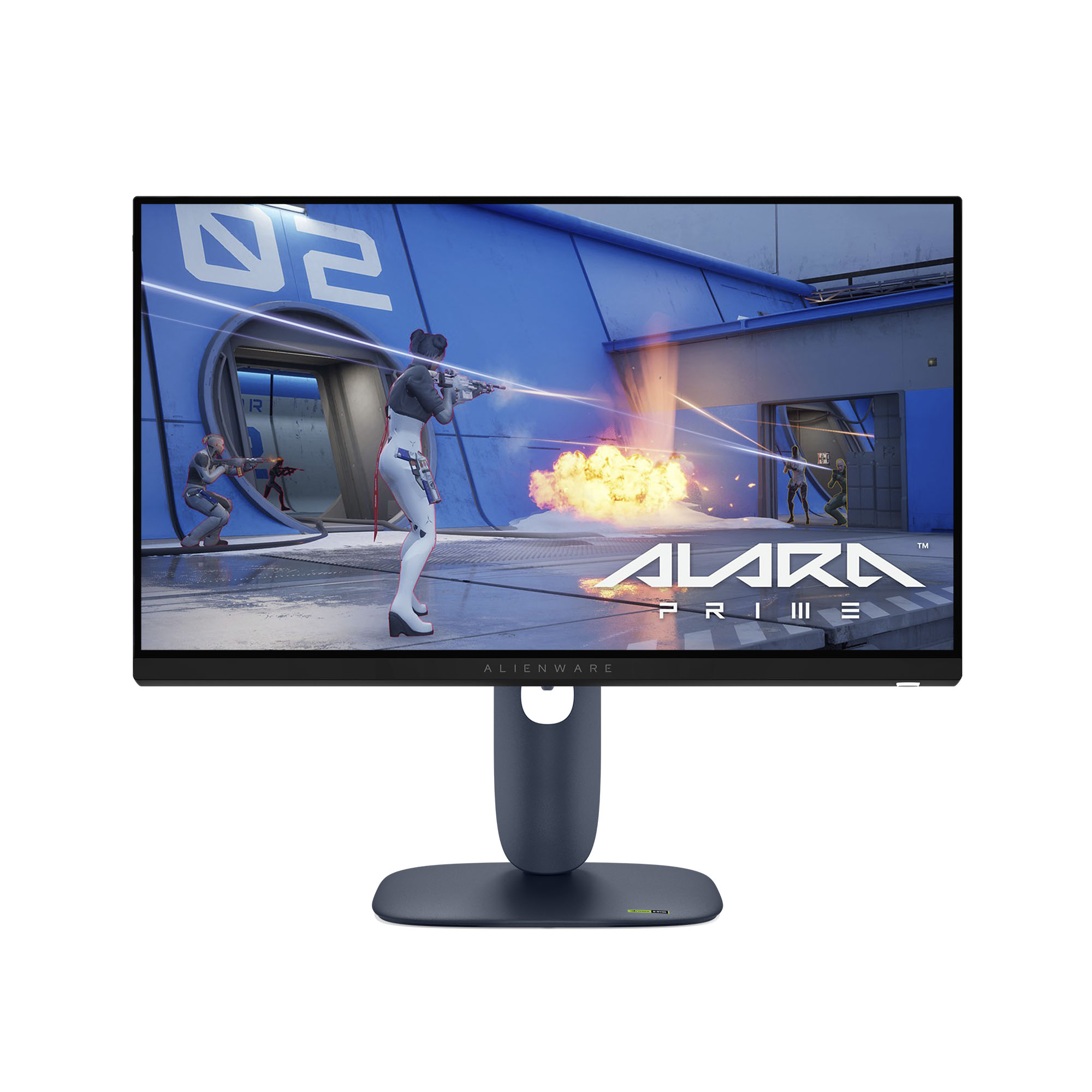
The Alienware AW3423DW is a 34.2-inch curved ultrawide gaming monitor built on a QD-OLED panel. Quantum-dot OLED gives it near-infinite contrast, fast pixel response and vivid color, and the 3440x1440 resolution with a 1800R curve wraps the picture around your view. It suits gamers who want deep blacks and motion clarity, and workers who want a wide, color-rich canvas. Against LCD ultrawides it wins on contrast and response time but gives up some peak brightness and carries OLED burn-in risk. Reviewers praise the picture and often flag the fan noise and text fringing from the subpixel layout.
- QD-OLED panel with per-pixel dimming for true blacks
- Very fast pixel response and low motion blur
- Wide 3440x1440 canvas with an 1800R curve
- High refresh rate with adaptive sync for smooth play
- Strong color coverage for games and creative work
Dell Alienware Curved 34.2" QD-OLED Gaming Monitor prices at every store
- PzDealsCheck price at PzDeals
What reviewers say
Owners and reviewers rate the picture highly, calling the contrast and motion clarity a step above LCD ultrawides. Complaints center on fan noise, text clarity and the care OLED demands.
- Picture qualityPraisedOwners say the contrast and color are the reason to buy it.
- Motion clarityPraisedReviewers report very little blur in fast games.
- Fan noiseCriticisedSome owners hear the internal fan in quiet rooms.
Ask our agent about this product
It checks today's price at every store, compares the alternatives and answers in about a minute.
Questions and answers
- Is QD-OLED better than a regular LCD ultrawide?
- For contrast and motion, yes. Each pixel switches off for true black and responds faster than LCD. Bright LCDs can still look punchier in a sunlit room.
- Will I get burn-in?
- It is possible with static elements like taskbars left on for long periods. Vary content, use screensavers and the panel's built-in care features to lower the risk.
- Does it work well for work, not just games?
- The wide canvas suits spreadsheets and timelines, and color is strong for creative work. Small text can look fringed, so check it in person if you read documents all day.
- What do I need to drive it?
- A recent mid-to-high-end graphics card with DisplayPort or HDMI 2.0 or newer. The 3440x1440 resolution at high refresh rates is demanding in modern games.
- What is in the box?
- The monitor, its stand and the usual cables for its inputs. Check the listing for the exact cable set before you buy.