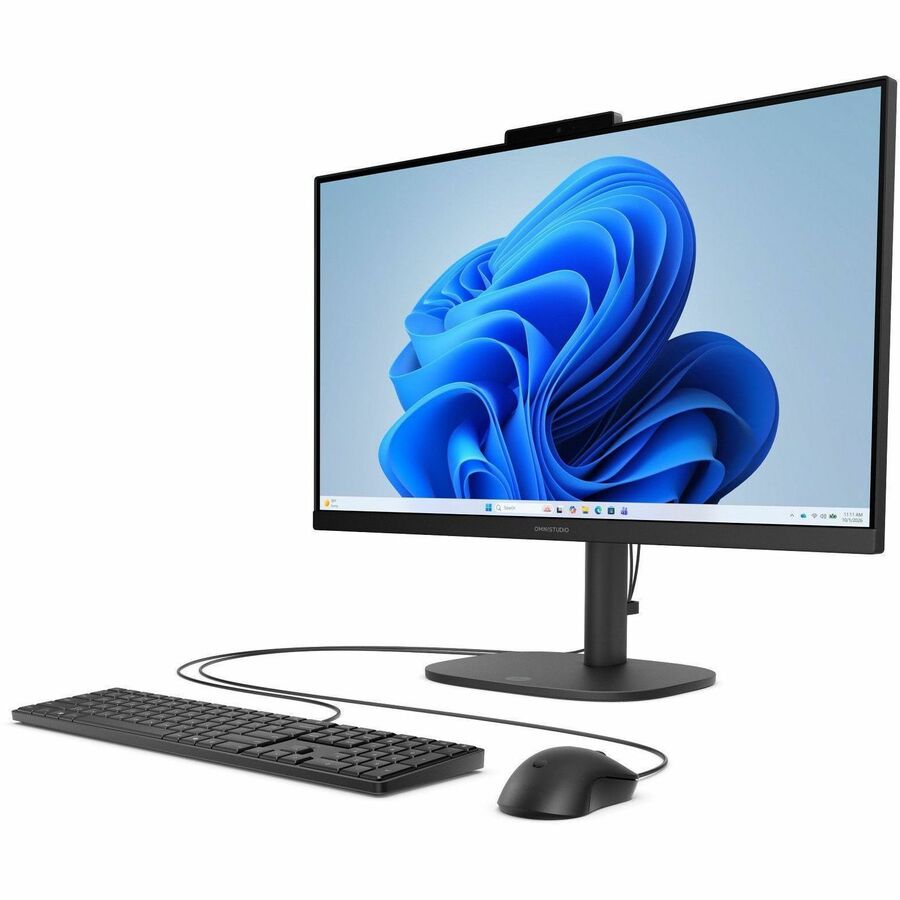
- Is the HP OmniStudio 24 good for everyday home use?
- Yes. The 24-inch Full HD screen, 16GB of DDR5 memory and Windows 11 cover browsing, email, video calls and office documents. It is not built for gaming or heavy video editing.
- Can I upgrade the memory or storage later?
- All-in-ones are harder to open up than towers, and HP does not present this model as user-upgradable. Treat the 16GB of memory as fixed and plan on external storage for large files.
- Is 128GB of storage enough?
- It is tight. Windows and core apps take a share, leaving little room for photos, games or big downloads. An external drive or cloud storage is worth adding.
- Does it come with a keyboard and mouse?
- HP sells this line as a complete desktop, and all-in-ones of this kind normally ship with a wired or wireless keyboard and mouse. Check the box contents for the exact bundle.
- How does it compare with a tower desktop?
- It saves desk space and cabling, and the screen is included. A tower gives more room to upgrade the graphics card and drives, which this design does not.
- Is the screen good enough for photo and video work?
- Full HD at 24 inches is fine for documents and casual photo viewing. For color-critical editing, a dedicated monitor with wider color coverage is the better choice.
- Where is the HP OmniStudio 24" Full HD All-in-One Desktop Computer cheapest?
- At rafsan 32, for $974.96, as of our latest check.