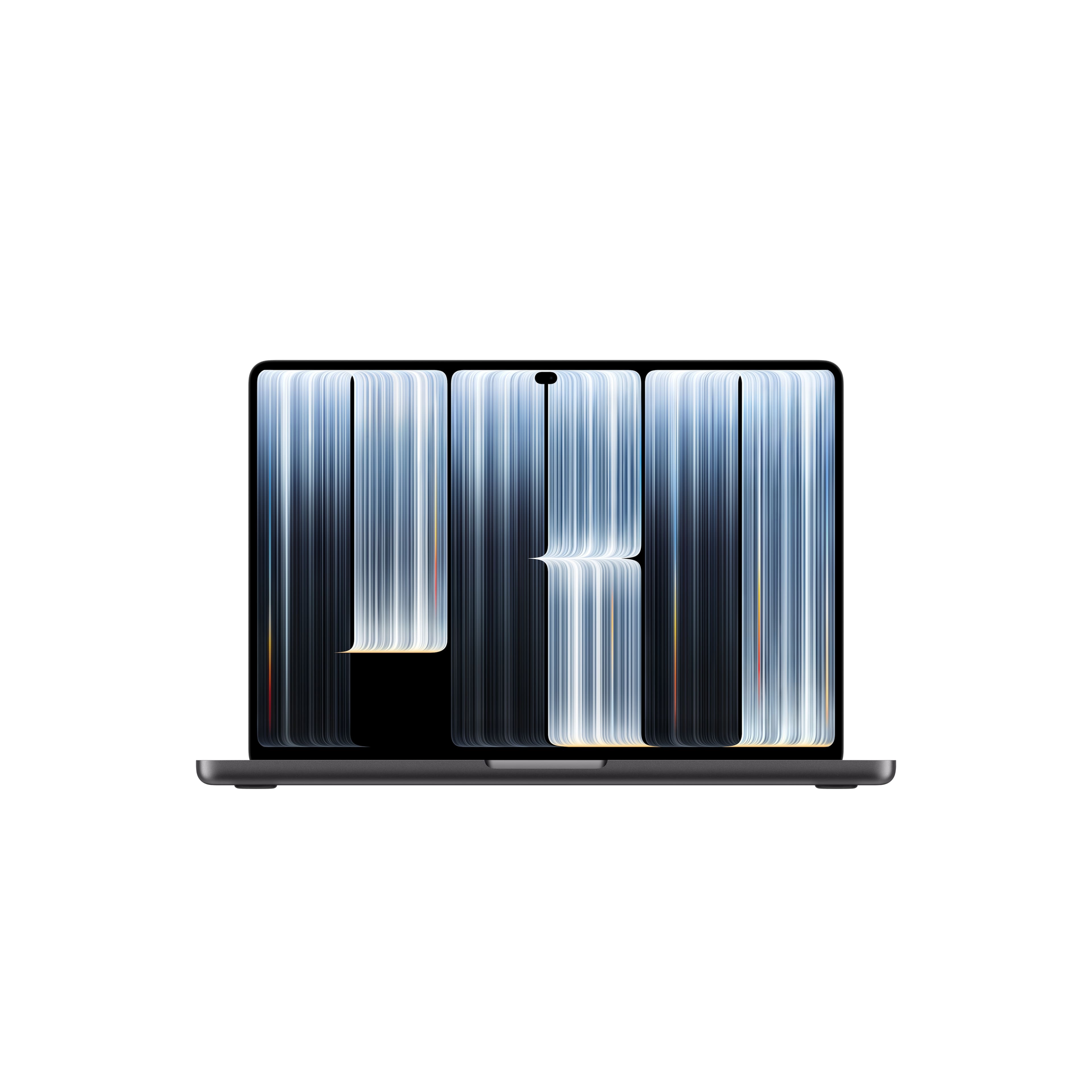
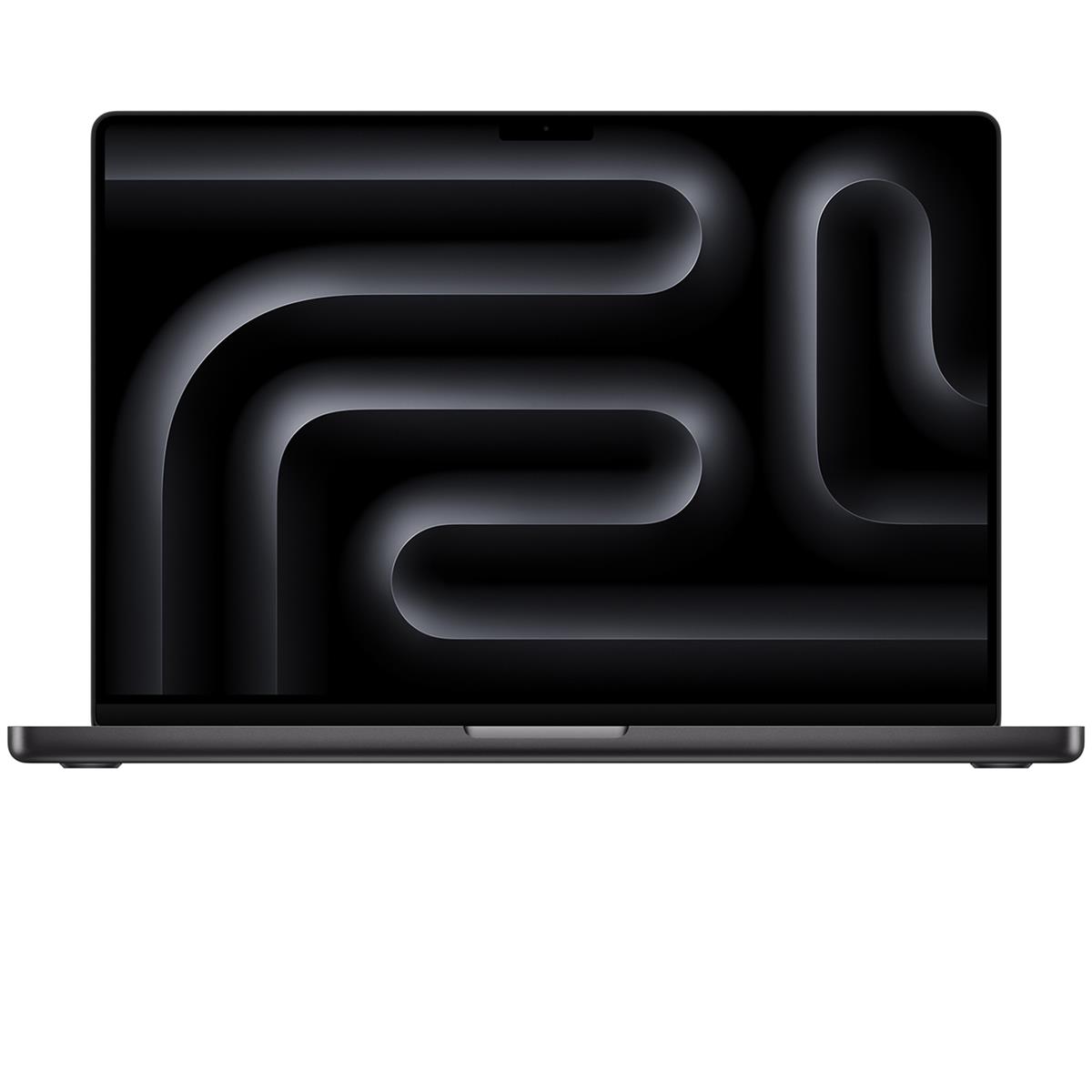
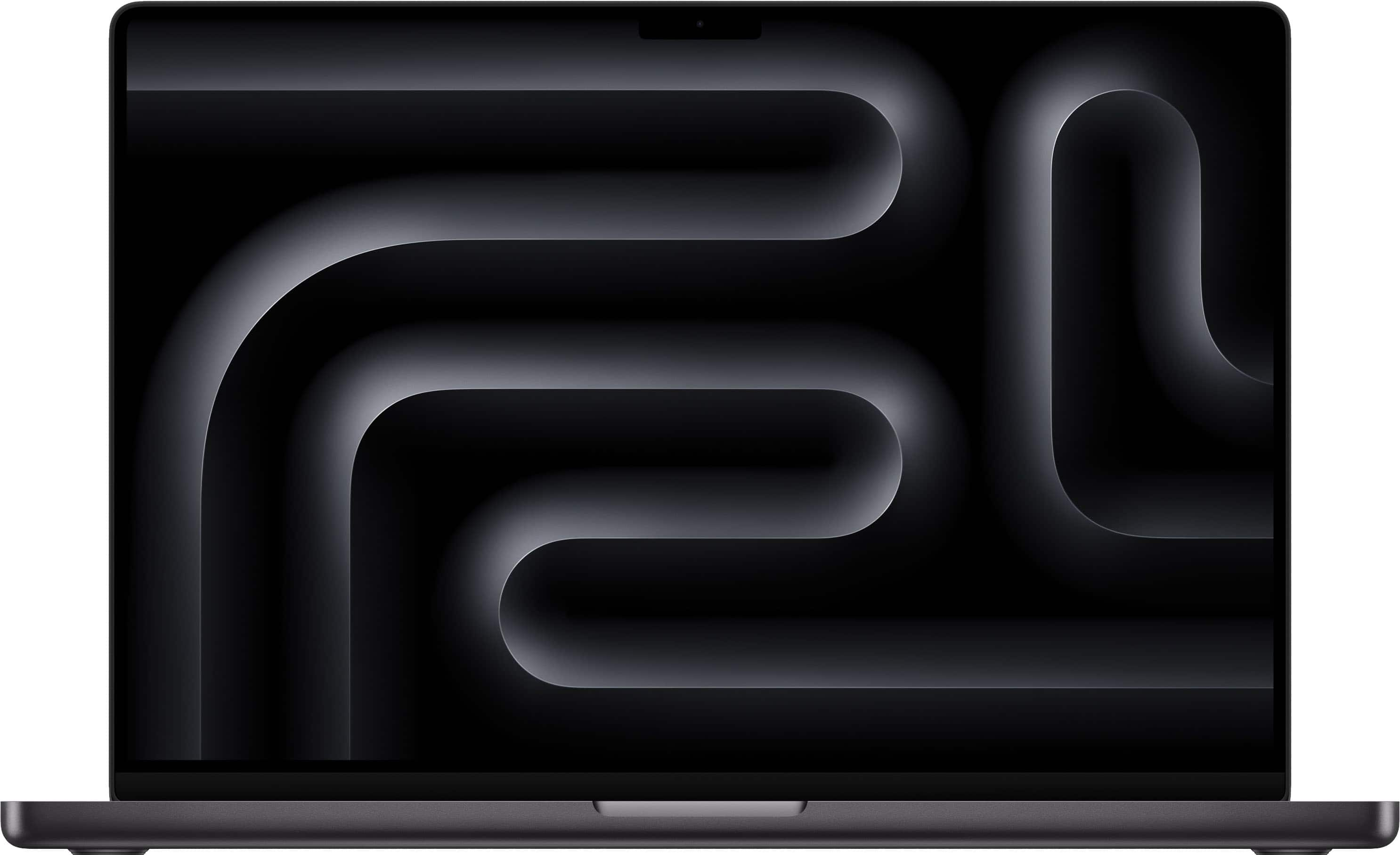
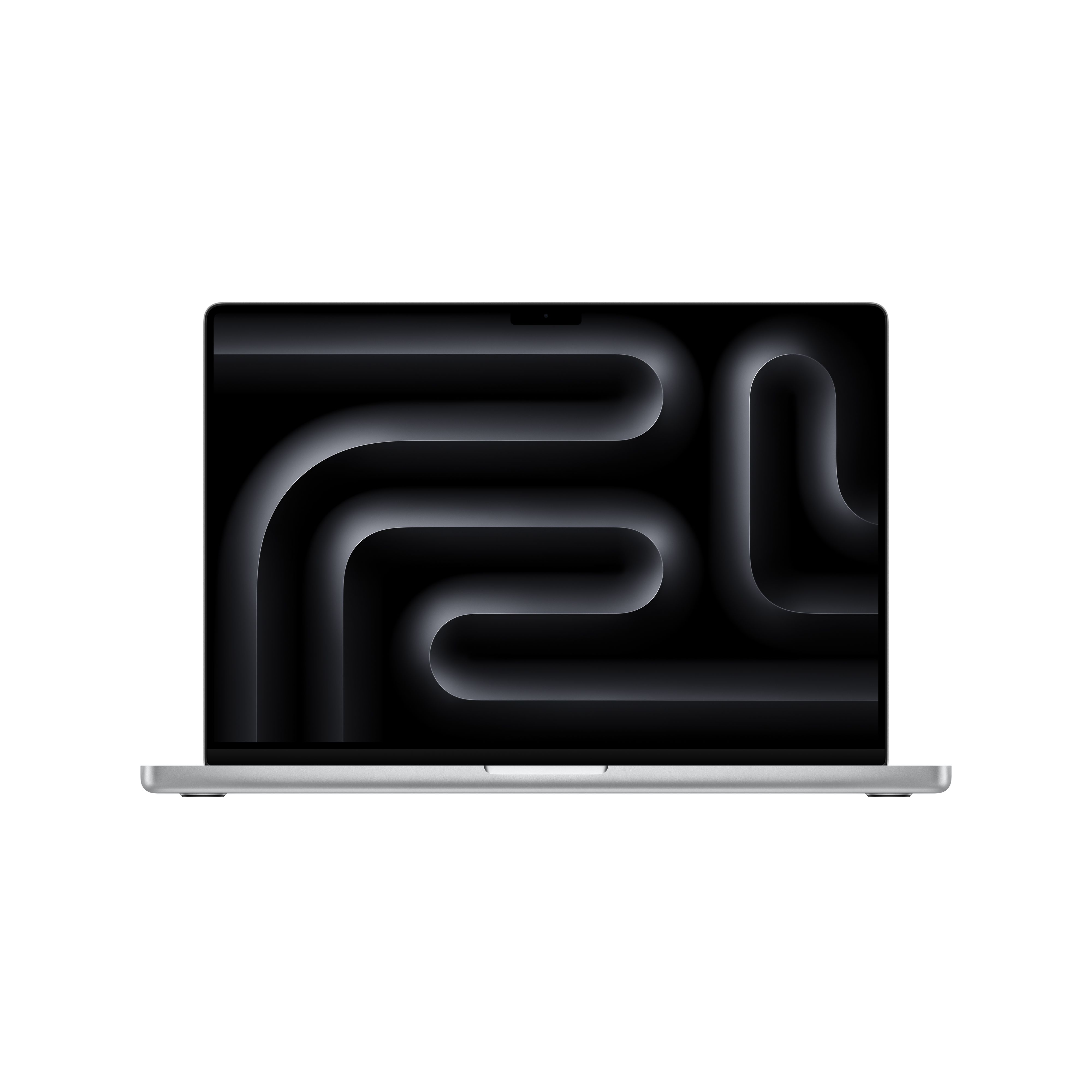
- How does the M6 compare with the M5 MacBook Pro?
- Apple claims a faster CPU and GPU with the M6, but everyday tasks feel similar. Buy the M6 if you render, compile or edit large files; otherwise an M5 model is the better value.
- Can I upgrade the 16GB memory later?
- No. Memory is soldered into the M6 chip, so choose 16GB or more at checkout. 16GB is fine for most work; 4K multicam editing and heavy virtual machines benefit from more.
- What comes in the box?
- The laptop, a USB-C power adapter and a USB-C to MagSafe cable. No mouse or external display is included.
- Is the 14-inch screen big enough for editing?
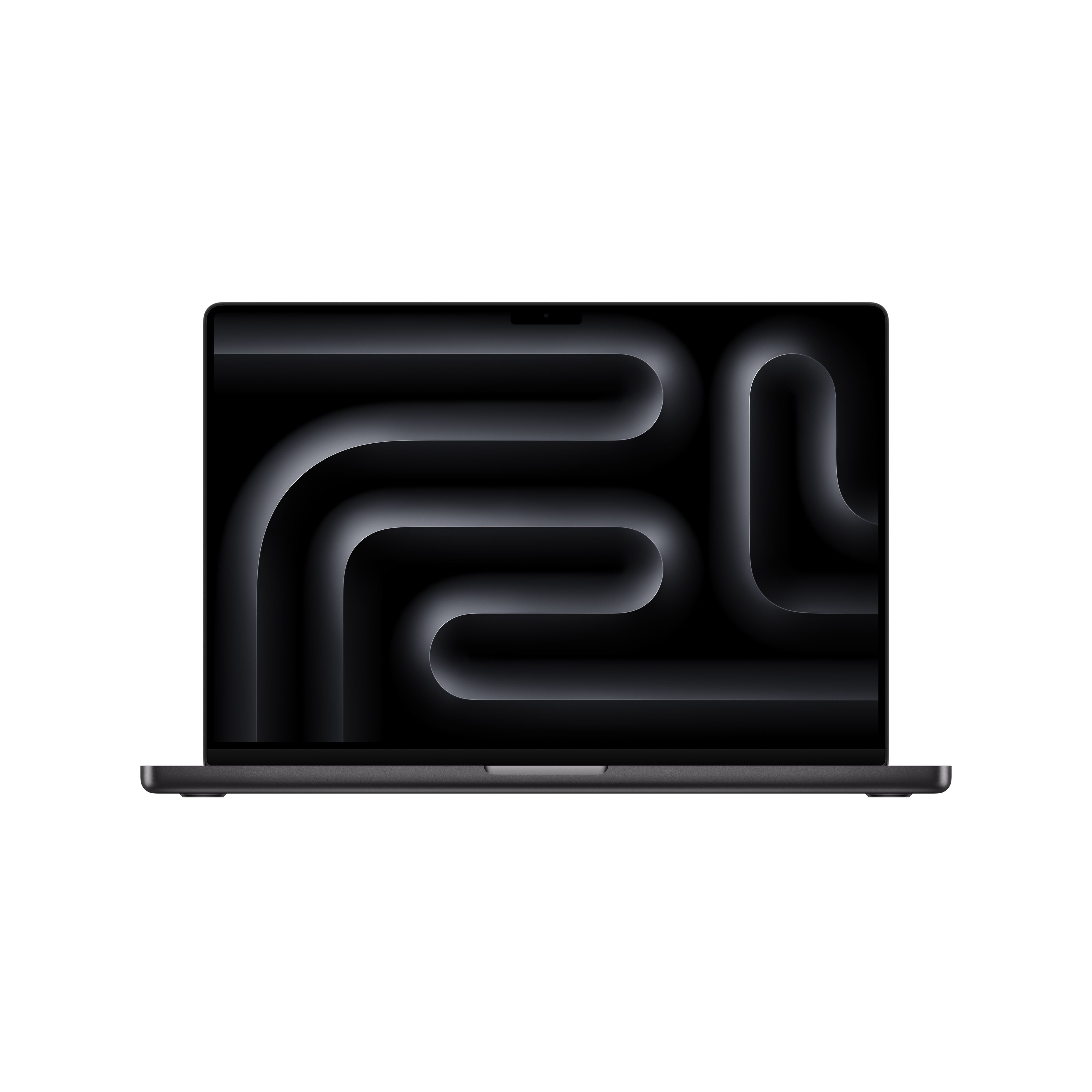
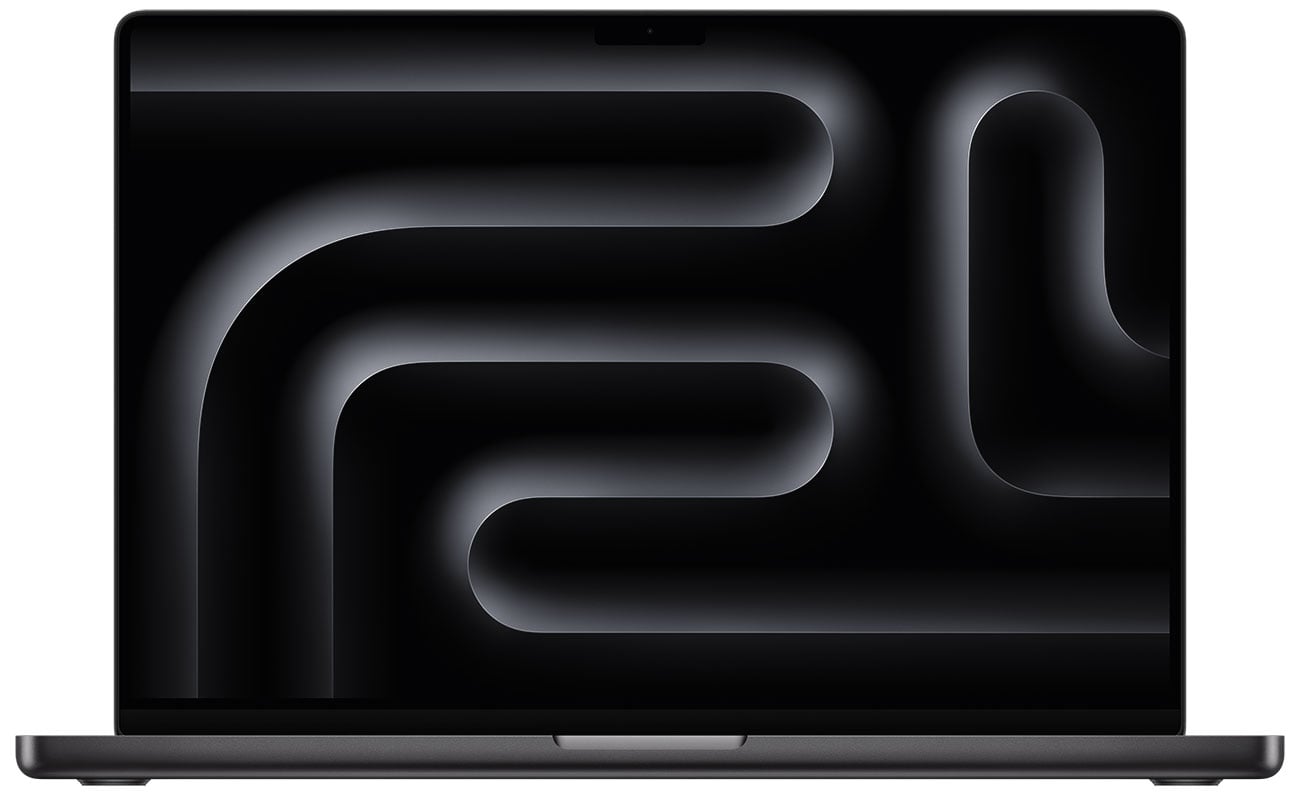
- The 3024 x 1964 panel fits timelines and spreadsheets well and is sharp enough for photo work. For long editing sessions, add an external monitor.
- Is the MacBook Pro M6 worth it?
- For heavy video, code or design work, yes: the M6 chip, sharp display and 24-hour battery rating make it a strong pro machine. For browsing and office work, a MacBook Air does the same jobs for far less.
- Does the M6 model have a 12-core CPU?
- Yes. Apple lists this 14-inch M6 configuration with a 12-core CPU and 12-core GPU, alongside 16GB of memory and a 1TB SSD.
- Where is the MacBook Pro M6 cheapest?
- At Amazon, for $1,749.00, 27% under what the other stores charge, as of our latest check.
- Is the MacBook Pro M6 at its lowest price?
- Yes: $1,749.00 is the lowest price we've seen for it since November 7.
- Where can I buy the MacBook Pro M6?
- 16 stores we checked sell it, including Amazon, UCLA Store, Apple, Best Buy, eBay.