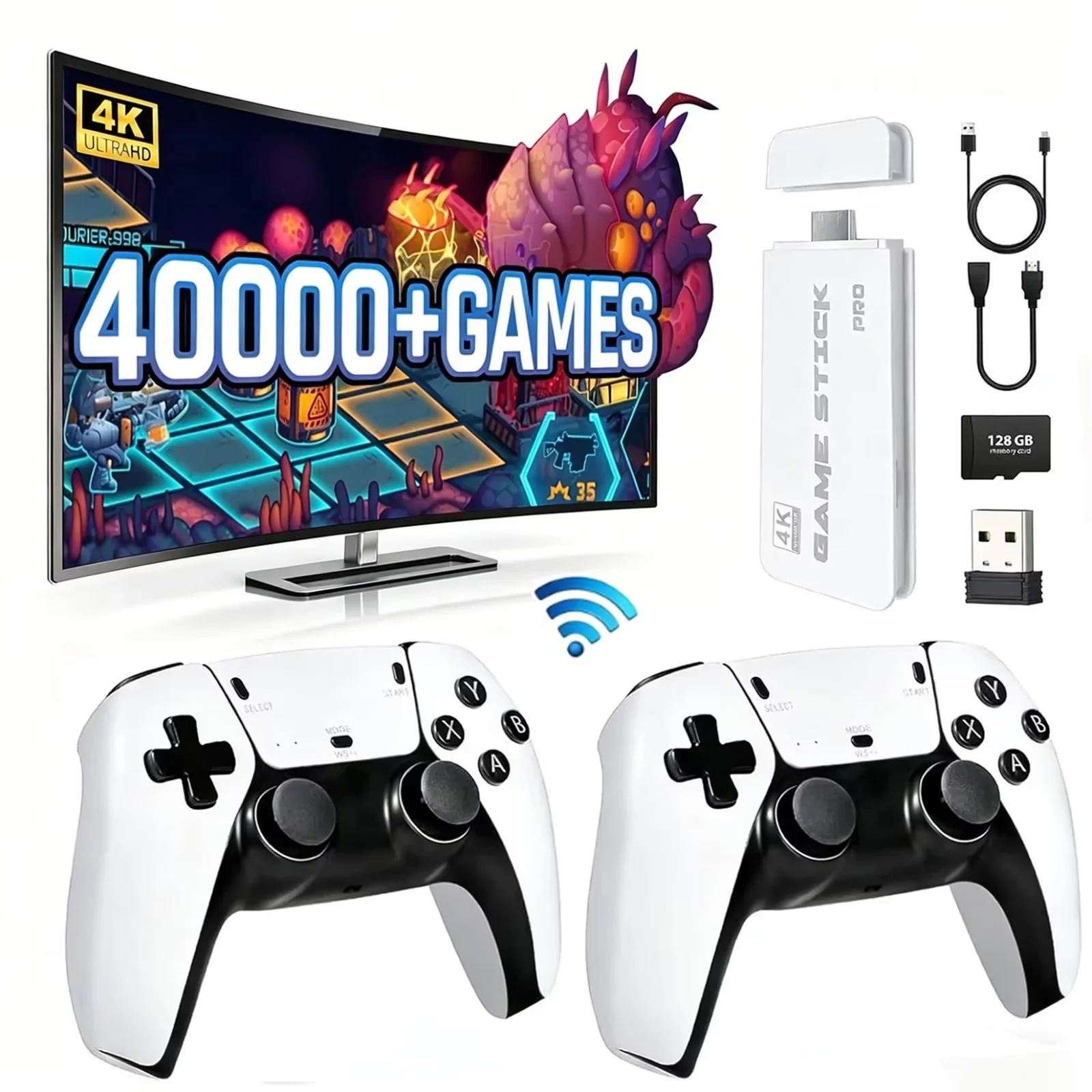
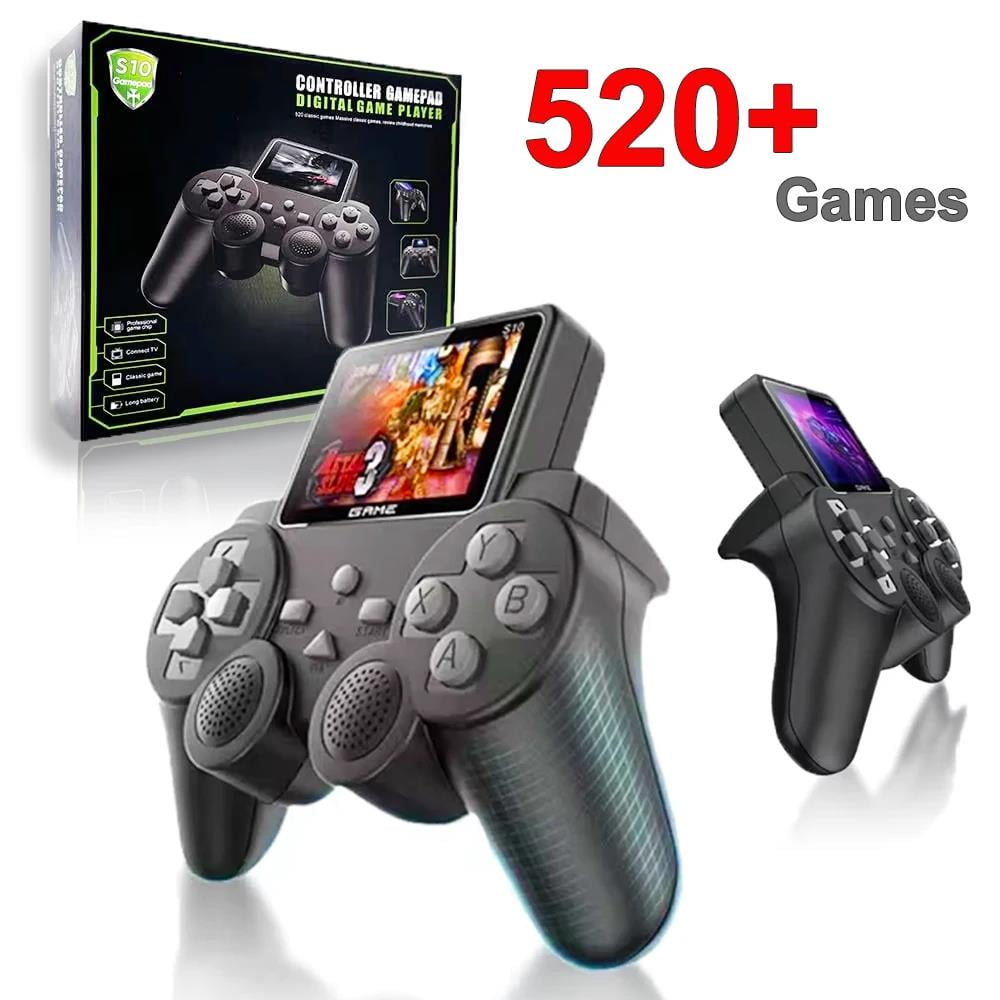
Do you remember rushing home after school just to spend unforgettable gaming moments with your friends in front of the TV? Those pixelated characters, catchy background music, and the laughter of fighting side-by-side with family and friends all make up our fondest childhood memories. Now, a simple, compact retro game stick can bring all of that back to your living room. How to use the Retro Game Stick? Setup is super easy—just three steps: Connect: Plug the game stick into the HDMI port on your TV or monitor. Power: Connect the game stick to a power source using the included USB cable (you can also plug it directly into your TV’s USB port for power). Play: Turn on your TV, select the corresponding HDMI input, and the game interface will pop up automatically.